



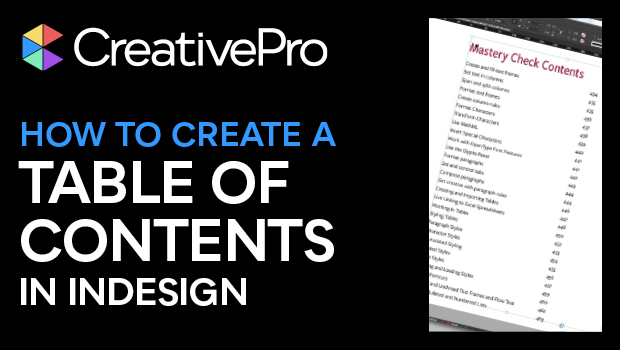
In this InDesign how-to video, Pariah Burke demonstrates an easy way to create or update a table of contents (TOC). He explains how to assign which styles become TOC entries and how to create a paragraph style exclusively for table of contents entries.
Subscribe to the CreativePro YouTube channel for more helpful design tips!
This article was last modified on August 29, 2025
This article was first published on August 22, 2025
Commenting is easier and faster when you're logged in!

Recommended for you

InQuestion: TOC Leader Dots and Pull Quotes
Learn some creative solutions for designing tables of contents and pull quotes i...

InQuestion: Hanging Page Numbers on the Right Side of a Table of Contents
Sandee Cohen shows how to use an obscure bit of paragraph formatting make page n...

How to Add Chapter Numbers in a Table of Contents in InDesign
Learn how to add a chapter number to an InDesign table of contents entry, even w...