




In this short Illustrator video, Khara Plicanic sets up a bleed for an Illustrator document that’s headed to print. She demonstrates how to set your bleed dimensions, adjust your artwork, and export your file.
Subscribe to the CreativePro YouTube channel for more helpful design tips!
This article was last modified on August 29, 2025
This article was first published on August 28, 2025
Commenting is easier and faster when you're logged in!

Recommended for you

How to Customize Vector Stock Artwork in Illustrator
Transform pre-made art into a rich illustration that will delight your clients.
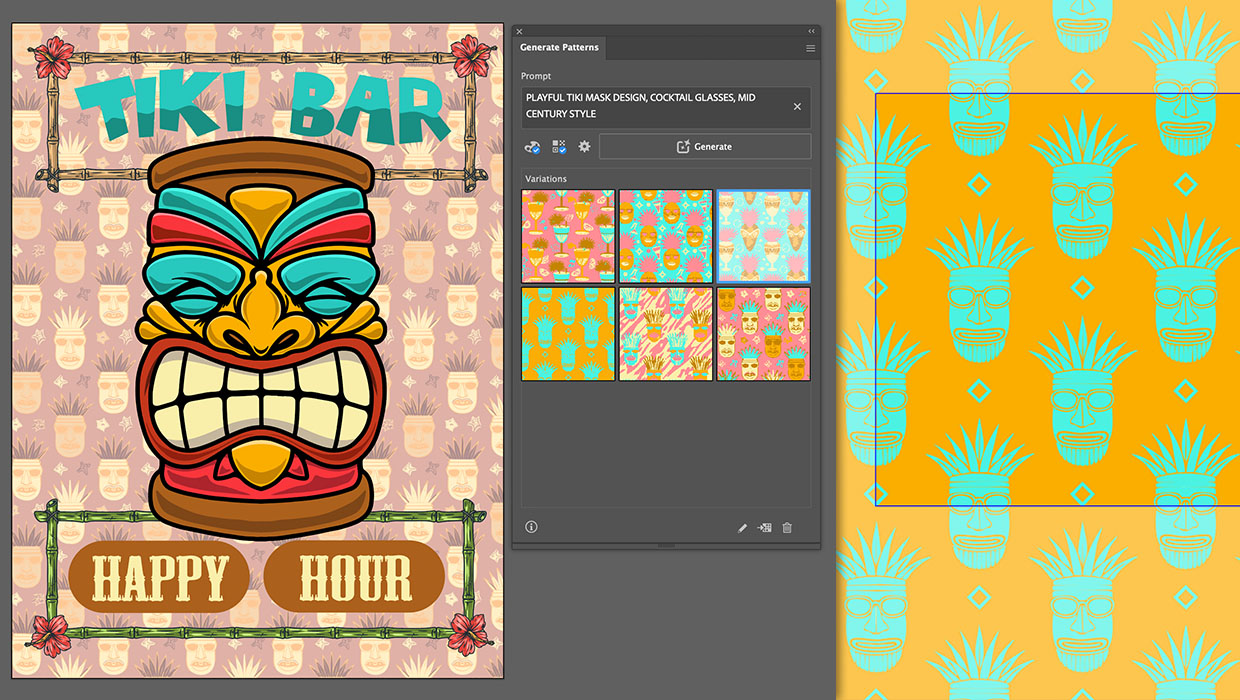
Generating Vector Patterns in Illustrator
Making patterns from prompts opens up a whole new world of creative possibilitie...

Illustrator vs. InDesign
In the struggle to choose the right application for a project, which one will pr...