



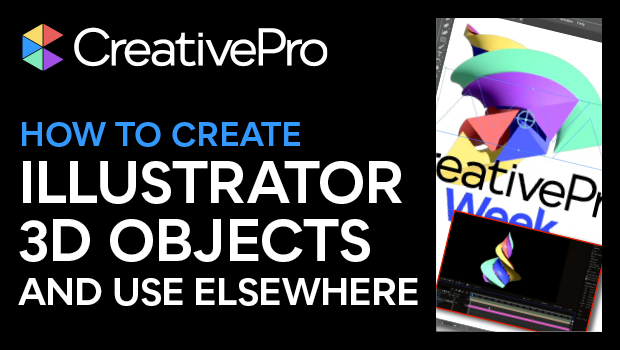
In this “Three Minutes Max” video, Kyle Hamrick shows off some of Illustrator’s 3D tricks, including recently introduced options. He extrudes and twists a logo and even maps textures onto the objects with the built-in texture libraries. Lastly, he exports to a 3D format for use in other apps, such as After Effects.
Three Minutes Max comes from a fun—yet very competitive—session at our annual CreativePro Week conference. Speakers have three minutes to wow the audience with the tip and win a prize for a lucky conference attendee.
Subscribe to the CreativePro YouTube channel for more helpful design tips!
This article was last modified on August 29, 2025
This article was first published on November 22, 2024
Commenting is easier and faster when you're logged in!

Recommended for you
CreativePro Video: Enhance Charts & Graphs in Illustrator
In this week’s CreativePro video, Jason Hoppe shows off a couple of ways to add...

CreativePro Video: Convert Static Symbols to Dynamic Symbols in Illustrator
See just how easy it is to convert legacy static symbols in Illustrator to the n...
How to Animate Flashing Lights in Photoshop
Learn how to create a flashing lights animation from individual Photoshop layers...