




Recently someone asked me with help highlighting an entire paragraph. They were trying to use paragraph rules, but if the paragraph was not always the exact same number of lines, the colored background would break. The solution envelopes a combination of a custom underline and paragraph rules.

The first step is to create a paragraph style with a custom underline. I made the underline tall enough to cover the height of the leading.

Next a created a paragraph rule above and below with the same color settings as the underline.
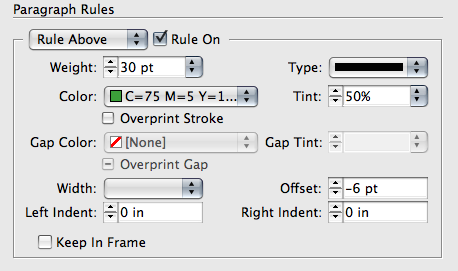
Now, no matter what the length of the paragraph, the entire block of text will be highlighted with the same color. The only downside with this trick, is the fact that your text will have to be justified for it too look clean. Otherwise you will see a ragged edge since underlines are only the width of the text.
This article was last modified on December 1, 2023
This article was first published on March 17, 2009
Commenting is easier and faster when you're logged in!

Recommended for you
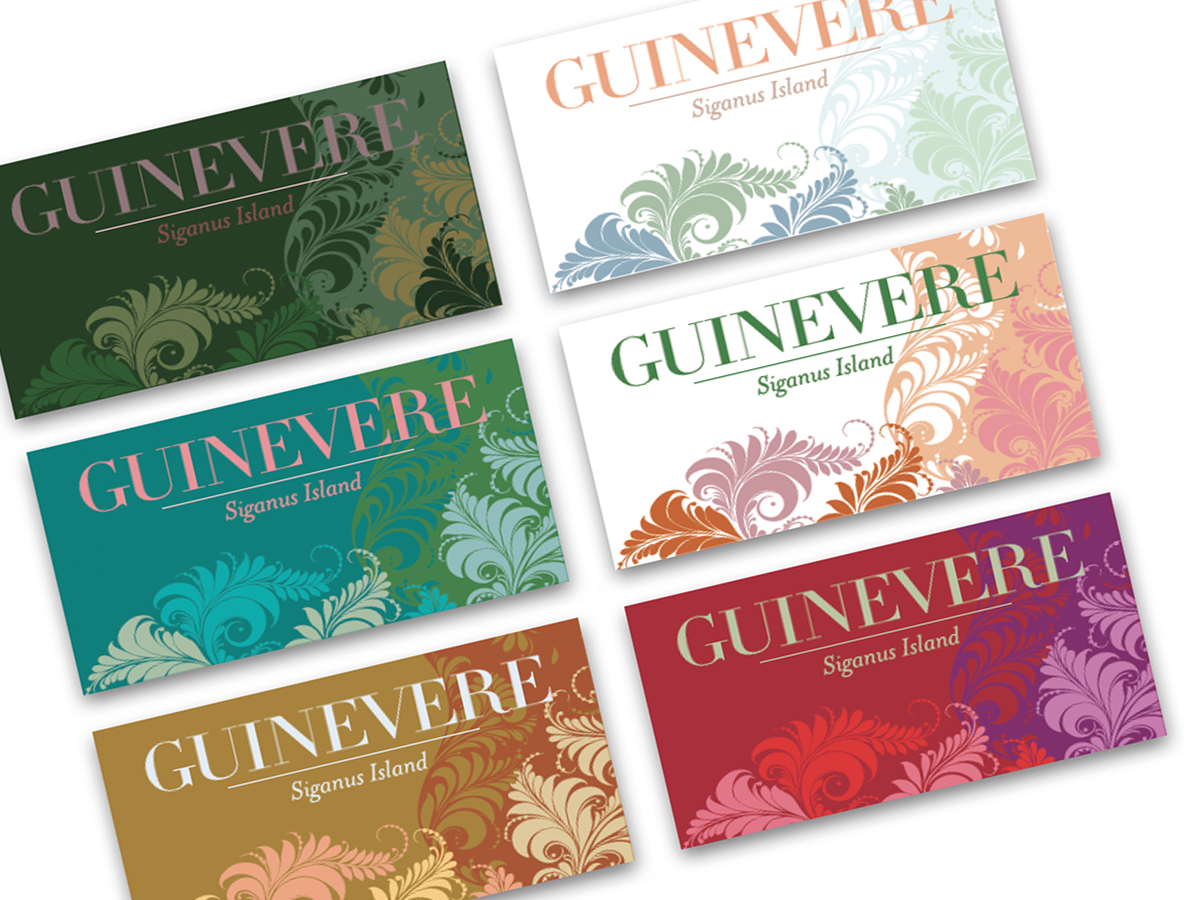
Before&After: Create a Series of Cards
These small, tent-style cards needed to be different but look like a series and...

How to Be a Better Designer: Know Your Colors
To use color effectively, you have to be intentional, grasp the different color...

Recolor Images Using Extracted Color Themes in InDesign
How to unify a design composed of separate placed images by recoloring them with...