




As I was writing a feature article about grids for the next issue of InDesign Magazine, I started playing around with the MakeGrid script, which has been included with InDesign since at least CS3. I’ve used this script for years as a way to quickly divide a frame up into a grid of smaller frames. But did you know that you can use this script to create grids of circles, polygons, lines, or curves drawn in InDesign? (Warning: this is kind of fun, and can turn into a real time-sucker!) Here’s a simple example:
1. Draw a large diagonal line. This one is 4 inches long, 45 degree angle, 7 points thick.
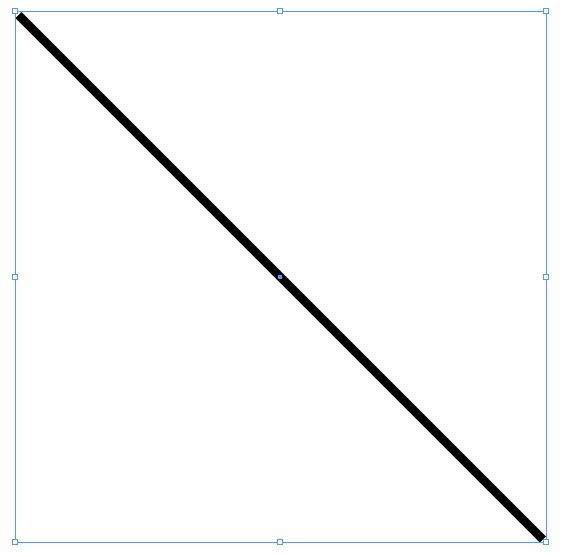
2. Double-click on the MakeGrid script, found in the Samples folder in the Script panel. (The scripts panel is located in Window > Automation > Scripts in InDesign CS3/CS4, and Window > Utilities > Scripts in CS5).
3. Fill in the dialog as shown below, and click the OK button.

4. This should be the result:

5. Now, select the original diagonal line, flip it horizontally and run the script again:


6. Here is the result after applying the following stroke attributes, and changing the opacity to 40%:


The variations you could create on this are endless. What good is this? I’m not sure, but it is fun!
This article was last modified on December 20, 2021
This article was first published on July 15, 2010
Commenting is easier and faster when you're logged in!

Recommended for you

OMG! Drag-and-Drop to Excel!
How to save a huge amount of steps when manually transferring text from InDesign...
Customizing PDF Presets
My other two postings about PDF presets?Choosing the Right PDF Preset and Creati...

Improving Scripts
Scripts can give you nearly magical powers in InDesign, but that doesn’t mean yo...