



Time to check out another awesome free video from the InDesignSecrets series at Lynda.com. This time, David Blatner shows a cool tip for reversing text that partially overlaps a dark object.
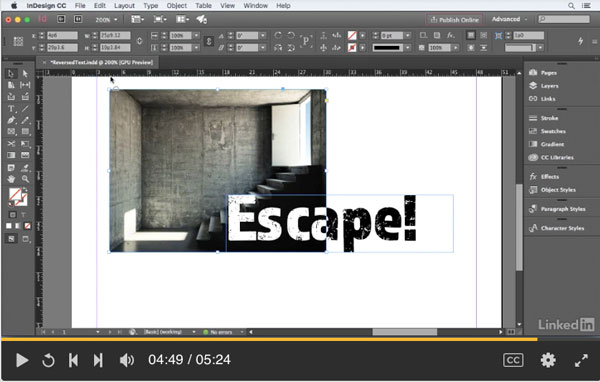
Check it out!
Reverse Text When Partially Over a Dark Object
For Lynda.com members, if you are currently signed in to your account, you can also check out these videos from the series.
Not a Lynda.com member?
Get 10 days of free unlimited access to Lynda.com.
Set Tab Order for Forms
When White is Set Overprint
When the Control Panel is Missing Controls
This article was last modified on July 25, 2019
This article was first published on February 17, 2017
Commenting is easier and faster when you're logged in!

Recommended for you


Almost Automatic End Marks
You know what end marks are, right? Maybe you call them by another name, but we...
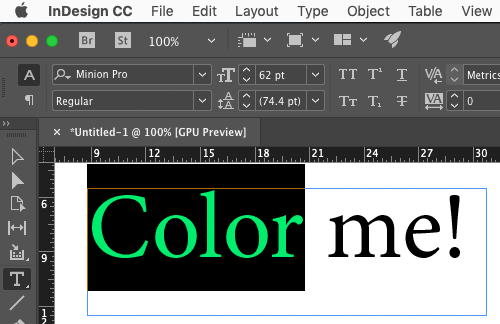
Use Split Window when Applying Colors to Text
How to fix the problem of seeing selected text in inverted colors in InDesign.