




Sometimes, the sheer amount of content in the Lynda.com video library blows my mind. Take Photoshop, for example. As I’m writing this, there are 457 courses that offer Photoshop instruction, and almost 23,000 videos.

With a mountain of content like that, where in the world do you begin? One great place to start is with Photoshop CC 2015 One-on-One Fundamentals, by Deke McClelland. In this course, Deke takes you on “a personalized tour of the basic tools and techniques that lie behind great images and graphic design, while keeping you up to speed with the newest features offered in Creative Cloud.”

In the free movie below, Deke explains how to use painting techniques to adjust selections using the QuickMask mode.
Photoshop CC 2015 One-on-One Fundamentals
Painting selections
For Lynda.com members, if you are currently signed in to your account, you can also check out these videos from the series.
Not a Lynda.com member?
Get 10 days of free unlimited access to Lynda.com.
Aligning one layer with another
Opening and editing multiple images
Cloning and Content Aware tools
This article was last modified on September 9, 2016
This article was first published on September 9, 2016
Commenting is easier and faster when you're logged in!

Recommended for you

Making an Image Out of Words With Photoshop
If you’ve got a message, you could just set it as text. Or you could get c...
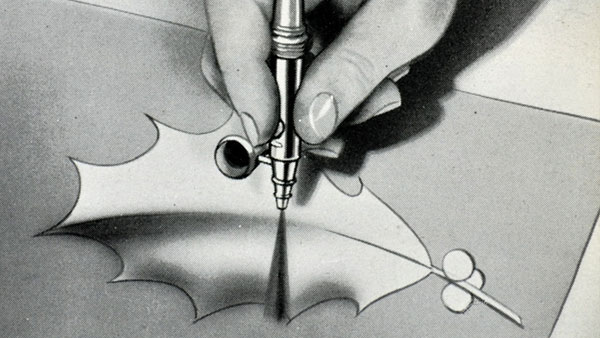
Scanning Around With Gene: Painting With Air
Originally published December 29, 2011 When I came across a 1947 edition of “Pai...

CreativePro Tip of the Week: Using the HUD (Heads-Up-Display) Color Picker in Photoshop
This CreativePro Tip of the Week on using the HUD (Heads Up Display) Color Picke...