



InDesign scripts are like puppies and pizza, you can’t help but love them. So it’s no surprise that David and Anne-Marie have recorded several helpful videos on using scripts for the InDesignSecrets series at lynda.com.
In the following video (which is free to everyone), Anne-Marie shows how to organize your scripts into folders within the Scripts panel—just like we saw in a recent Tip of the Week.
She also shares a pair of great ideas for making sure your scripts are available to all the user accounts on your machine, and for keeping track of the developers’ websites so you can find updated versions of scripts. Check it out!
Other free InDesignSecrets videos on scripts include this pair by David:
How to Sort Text in InDesign
How to Import a Folder Full of Pictures, One Per Page
For lynda.com members, if you are currently signed in to your account, you can also check out these great videos on the magical powers of scripts:
Running a Script
Quickly Threading Frames Together and Unthreading Frames
Converting Footnotes to Endnotes
Set the Size of Text Exactly
Making a Font with InDesign Using IndyFont
Not a lynda.com member?
Get 10 days of free unlimited access to lynda.com.
This article was last modified on March 5, 2025
This article was first published on September 4, 2015
Commenting is easier and faster when you're logged in!

Recommended for you
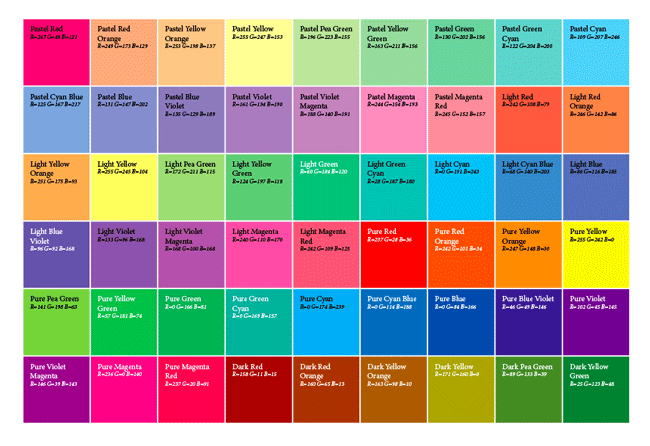
A Script to Create a Grid of Color Swatches
The folks at Rorohiko never cease to amaze me with the cool and useful add-...

InDesign How-to Video: Using Based On Styles
Erica Gamet shows how the Based On feature makes it easy to create, update, and...
InDesign How-to Video: How to Make a Highlighter Effect
In this week’s InDesignSecrets video, Erica Gamet creates the look of highlighte...