




Anyone who has ever created long documents in InDesign knows that this can be a laborious task, involving tens or even hundreds of hours of manual work. But for some types of long documents with consistent formatting and predictable layouts, there’s an alternative: XML. But if you’ve never used XML before you might find it confusing and intimidating. If so, you should definitely look into a new Lynda.com course by Chad Chelius, Creating an InDesign Booklet Using XML. In the course, Chad starts by explaining the basics of XML and then walks viewers through the entire process of using XML in InDesign.
Among the free videos offered, is this one on Mapping XML Tags to Styles. Check it out!
Mapping Tags to Styles
For Lynda.com members, if you are currently signed in to your account, you can also check out these videos from the series.
Not a Lynda.com member?
Get 10 days of free unlimited access to Lynda.com.
Rules of XML
Getting Familiar with the Tags Panel
Documents That Work Best With XML
This article was last modified on March 5, 2025
This article was first published on February 12, 2016
Commenting is easier and faster when you're logged in!

Recommended for you
Don’t Sweat the Math—Let Photoshop Do It!
Let Photoshop—and other Adobe apps—do the math for you when entering numerical v...
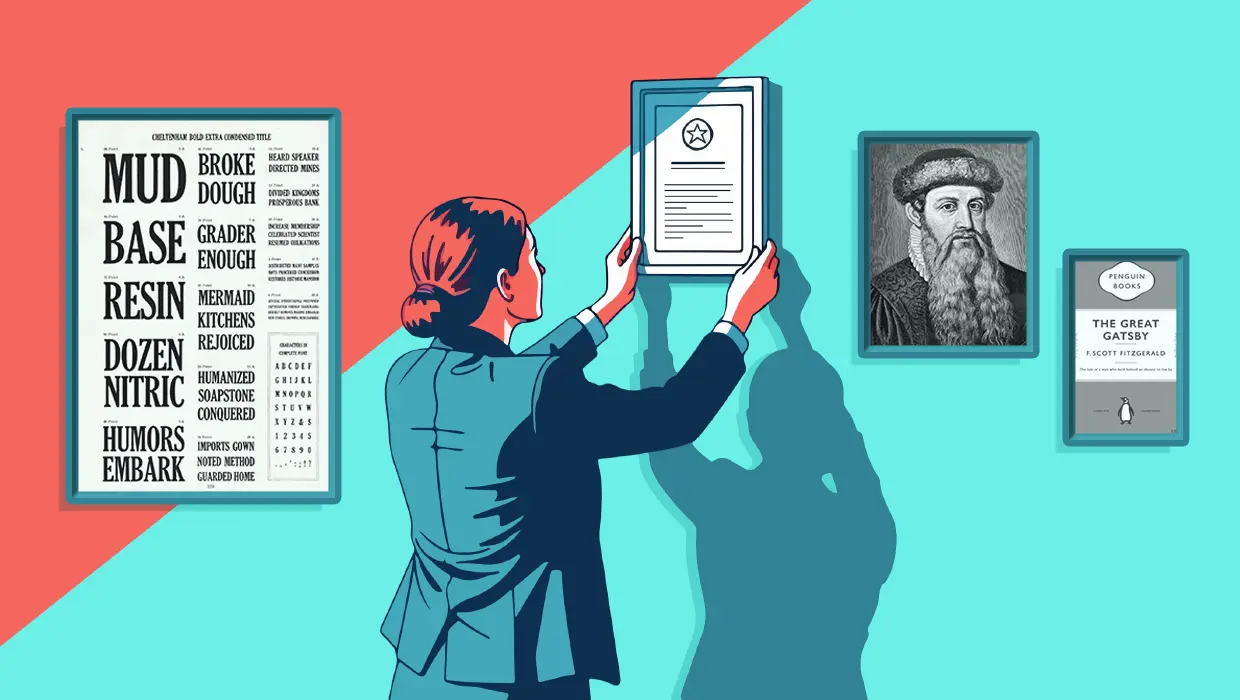
How to Be a Better Designer: The Rules
Throughout this series, several themes have recurred: study graphic design histo...

Nashville in Focus: CreativePro Week 2026 Photo Walks
A look at Music City through the lenses of the CreativePro community