



Hungry for another great InDesign tip? How about an image sandwich? You know the effect, you’ve seen it a million times on magazine covers. It’s where some sharp vector text looks like it’s sitting between the subject and the background of an image.
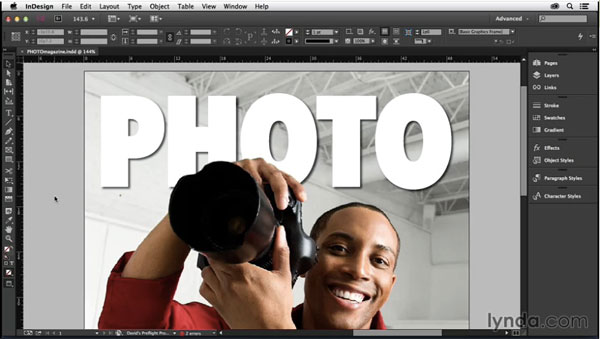
And in the latest InDesignSecrets video at lynda.com, David Blatner shows you the best way to achieve this effect, combining the powers of Photoshop and InDesign. Check it out!
This article was last modified on March 5, 2025
This article was first published on May 15, 2015
Commenting is easier and faster when you're logged in!

Recommended for you

InDesign How-to Video: Create Form Lines, Part 2
In this week’s InDesignSecrets video, David Blatner is back with another way to...
InDesign How-to Video: How to Set Up Facing Pages
David Blatner explains what facing pages are and when you might want to use them...
InDesign How-to Video: Create a Duotone Effect
In this week’s InDesignSecrets video, Mike Rankin shows off a great technique to...