



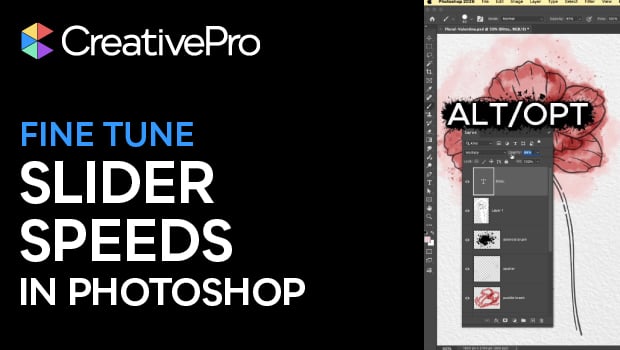
In this short Photoshop how-to video, Khara Plicanic reveals the keyboard shortcuts you need to change the speed of the scrubby sliders in Photoshop. These modifier keys help give you more control over your design!
Subscribe to the CreativePro YouTube channel for more helpful design tips!
This article was last modified on February 23, 2026
This article was first published on February 23, 2026
Commenting is easier and faster when you're logged in!

Recommended for you

When Character Styles Collide
One paragraph style can apply a whole bunch of character styles to the same rang...
TypeTalk: Top Ten Type Resources Online
TypeTalk is a regular blog on typography. Post your questions and comments by cl...

A Font to Fight Illiteracy
Over the years, there have been several notable efforts to use fonts as the mean...