




Through a special arrangement with Adobe, creativepro.com will be posting nifty Photoshop tips and techniques by none other than Russell Brown, Adobe’s digital imaging guru and Photoshop maestro. As one of the original contributors to Photoshop, Russell knows the program inside and out. Don’t know who Russell is? Find out!
In this PDF tutorial, “Extracting Flames,” Russell shows you how to extract flames from one image (rather tricky to do) and then mask them into another. Hot stuff indeed.
This is the first of many tutorials penned by Mr. Brown that you’ll find on creativepro.com.
To get started, open the PDF file.
To open the PDF, you’ll need Adobe Acrobat Reader. Get it here.
This article was last modified on January 3, 2023
This article was first published on January 2, 2002
Commenting is easier and faster when you're logged in!

Recommended for you

Creating a Pop Out Effect with Photoshop and InDesign
At the 2016 InDesign Conference in Washington, D.C., Nigel French reminded me of...
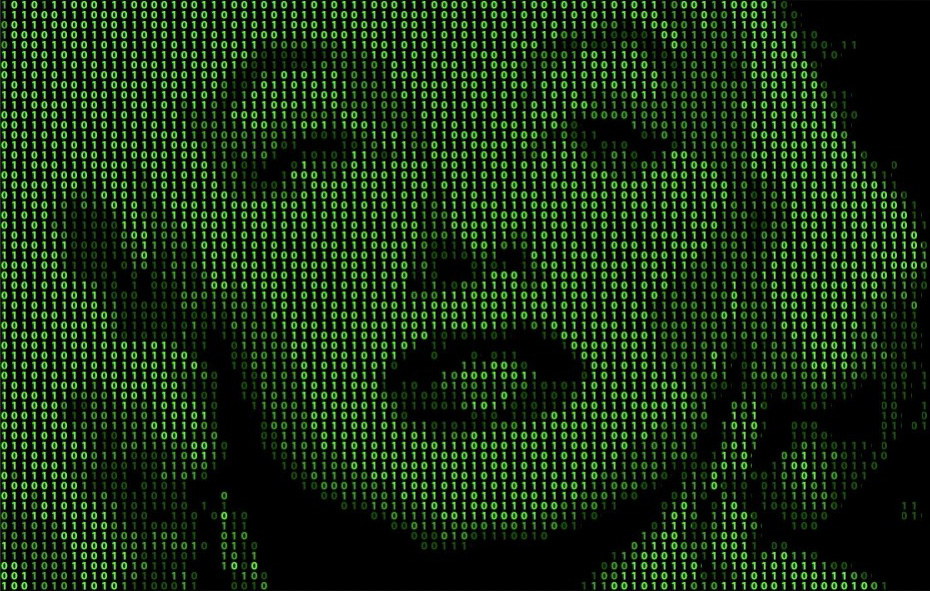
How to Apply a Matrix Number Grid Effect to Images in Photoshop
We’ve all seen those sci-fi movies like The Matrix, in which images are bu...

Celebrating a Decade of Camera Raw
It’s time to dig in the fridge for a slice of leftover cake and wish a happy bel...