


Free Webinar: Accessibility Essentials
Webinar Overview
NOW AVAILABLE ON DEMAND
Not sure where to start with accessibility? You’re not alone. Accessibility can feel like a whole new language when you’re first asked to create accessible content.
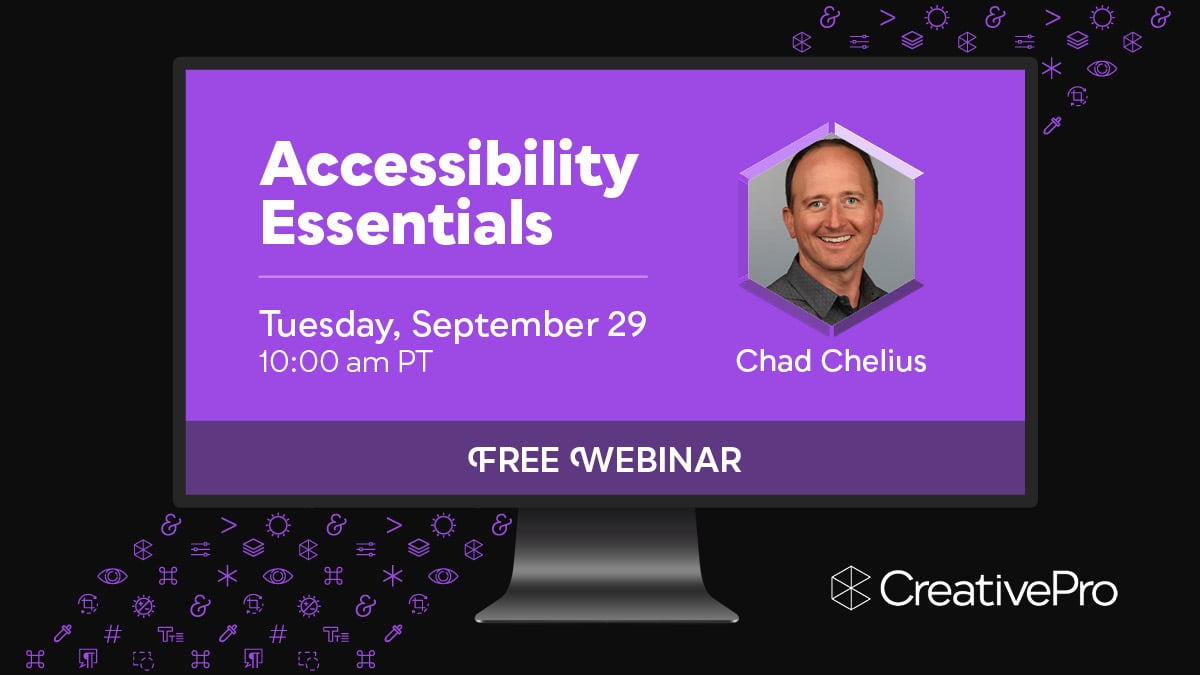
Join us for a free 1-hour webinar on Tuesday, September 29 at 10 am Pacific to learn the foundational concepts, terminology, and best practices that every designer should understand about accessibility.
In this replay of one of the highest-rated sessions from The Design + Accessibility Summit 2025, accessibility expert Chad Chelius provides a practical, designer-friendly introduction to digital accessibility. You’ll learn what key terms mean, why accessibility matters, and how accessibility principles connect to the design decisions you make every day.
Chat with attendees and experts throughout the session, and then bring your questions to our live follow-up Q&A with Chad.
Plus, you’ll receive a special discount code for $100 off any multi-day pass to The Design + Accessibility Summit 2026, being held online October 20–23.
Can’t watch the webinar live? After it concludes, we’ll send a link to watch the recording on demand to everyone who signs up, available until October 19.
You’ll learn how to:
- Understand essential accessibility terms, concepts, and acronyms
- Recognize how different disabilities affect the user experience
- Explain why tags, reading order, and alt text matter in accessible documents
- Connect WCAG principles to everyday design decisions
- Build a stronger foundation for learning accessibility workflows
Use the form below to get access to the webinar recording
Note: You will receive an email with a link to watch the recording, which will be available through October 19.
"*" indicates required fields
About Our Speaker

Chad Chelius is a trainer, author, consultant, speaker and Accessibility Wizard at Chax Training and Consulting. He resides in the Philadelphia area and has been using Adobe products for over 25 years. As an Adobe Certified Instructor, Accessible Document Specialist, and consultant he teaches and advises on all Adobe print and web products, specializing in InDesign and InCopy workflows, Illustrator, automation, and PDF accessibility using InDesign, Word, and Adobe Acrobat. He works with clients both large and small in and outside of the United States, helping them to solve design, workflow, and accessibility challenges using Adobe products.
About The Design + Accessibility Summit 2026
October 20–23, 2026 • Online
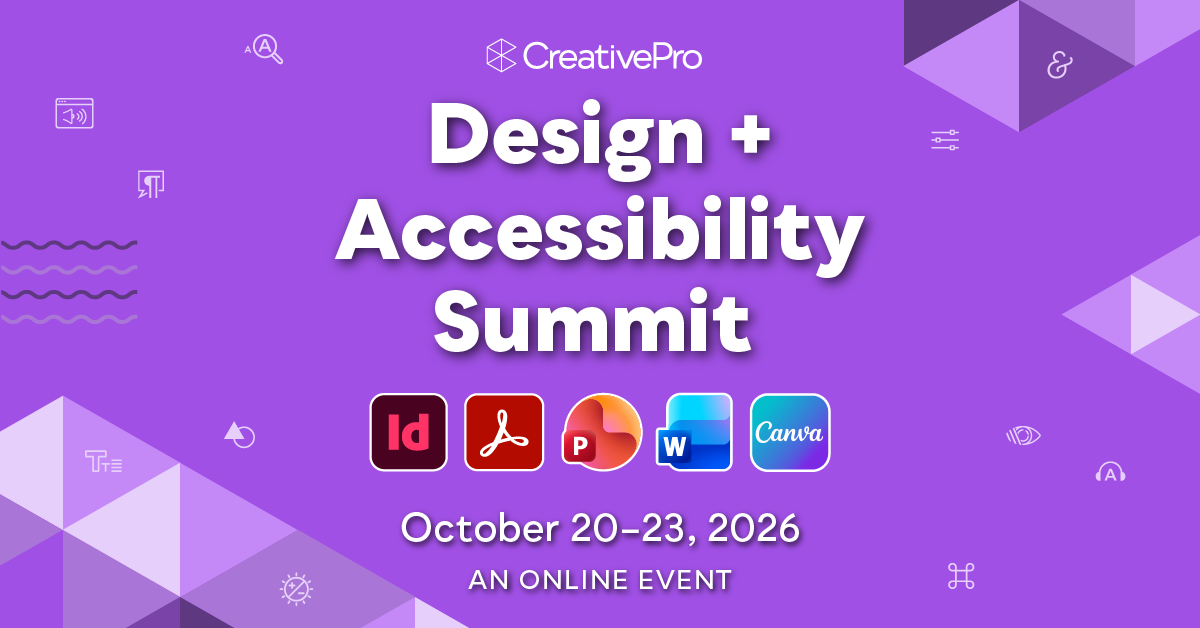
Join us online October 20–23 for the 7th annual Design + Accessibility Summit, the essential how-to event for creating accessible content.
Across four days of practical sessions, you’ll learn proven workflows for creating accessible content with InDesign, Acrobat, PowerPoint, Word, Canva, Illustrator, and more.
Whether you’re designing PDFs, presentations, social media graphics, forms, ebooks, videos, or digital publications, this event will help you understand what matters, what works, and how to put accessibility into practice.
From document structure and remediation to screen reader testing, AI-assisted workflows, neuro-inclusive design, and accessibility at scale, you’ll gain skills you can apply immediately.
If you’re responsible for creating accessible content, this is where you learn the skills, best practices, and workflows to do it with confidence.