



Event Overview
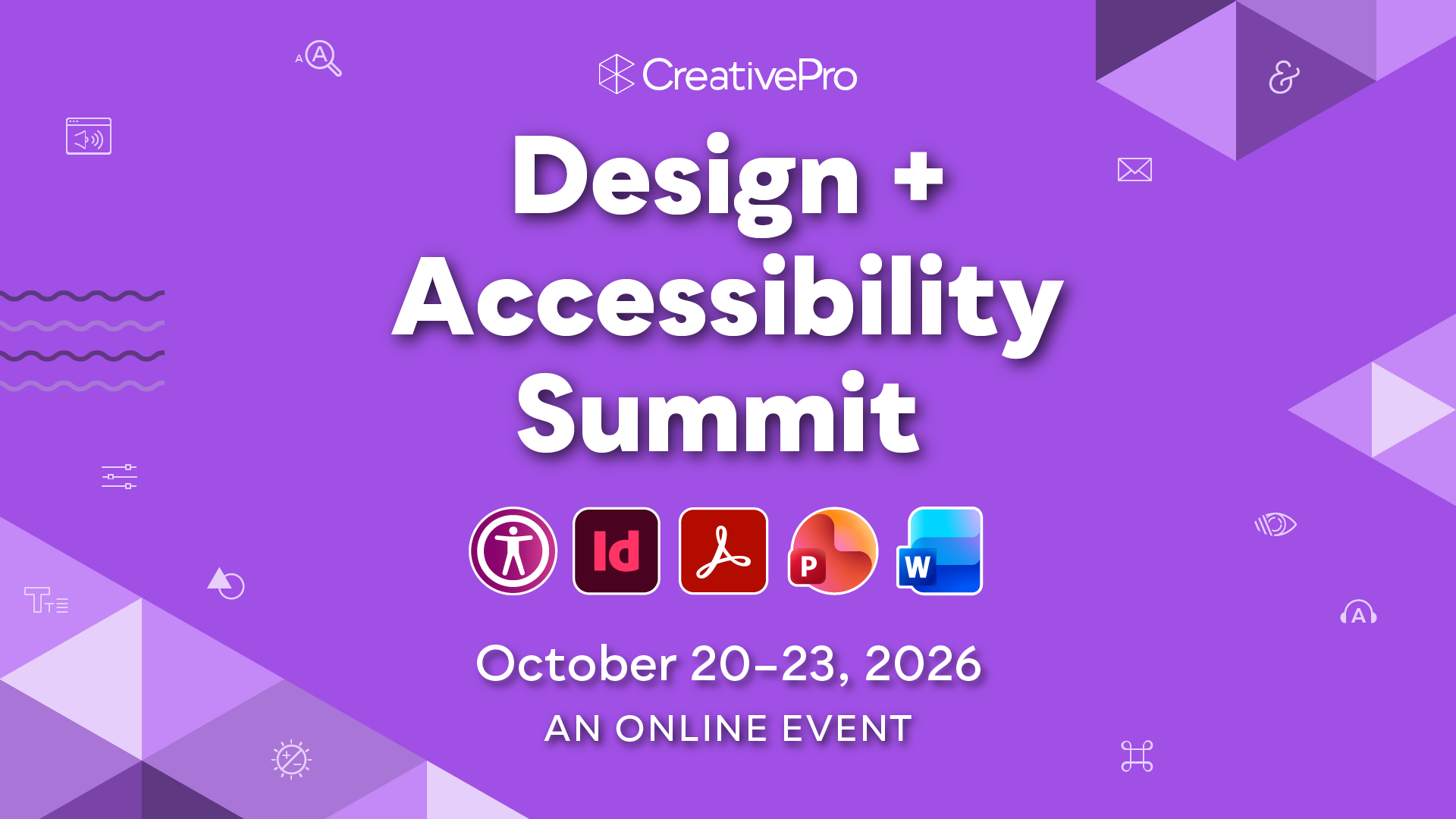
Join us at the 7th annual Design + Accessibility Summit, the essential how-to event for design professionals who need to master accessibility, being held online October 20–23, 2026.
It’s no secret that accessibility is a hot topic. In fact, ensuring your content is accessible is not just a good idea: it’s the law. Whether you’re extending your company’s DEI (Diversity, Equity, Inclusion) focus, expanding your market to include the estimated 25% of the population who have disabilities, or safeguarding your company against legal risks, it’s important to make accessibility a business priority.
Creative professionals must learn how to design content that is accessible for people with vision and hearing impairments, mobility and cognitive challenges, or other disabilities. Those who develop expertise in accessibility will find themselves in high demand; while those who don’t will risk falling behind.
At The Design + Accessibility Summit, you will learn practical techniques for building accessible assets with InDesign, Acrobat, PowerPoint, and other tools widely used by creative professionals.
Can’t join us live? Don’t worry, we’ve got you covered. . .
Registration includes on-demand access to session and Q&A recordings for a full year, so you can absorb the knowledge at your own pace.
What We'll Cover
- Get up and running with accessibility essentials
- The Word to InDesign to Acrobat PDF workflow
- Step-by-step testing with a screen reader
- Designing content for low visual acuity and screen readers
- Making social media accessible
- Understanding Section 508 vs. ADA compliance and WCAG guidelines, for both U.S. and international accessibility laws
- PDF remediation: The step-by-step process for ensuring compatibility
- How to write and present with accessibility and inclusion in mind
- Making sense of tags, alt text, and reading order
- Building accessible tables, forms, and infographics in InDesign and other tools
- Is your website accessible?
- AI + Accessibility = a bright future for human accessibility
- Building accessible PowerPoint and Word documents suitable to share with clients and your team
- Accessibility tools every designer needs to know
Get a Taste

How to Design Button States for Accessibility
Learn how to create accessible button states for web design, while keeping them eye-catching, functional,…

Interview with Caroline Desrosiers, Alt Text Entrepreneur
Q&A with Caroline Desrosiers, who is presenting at The Design + Accessibility Summit 2025

How to Make Alternate Text Styles in Microsoft Word
Working in Microsoft Word? Shawn Jordison shows you how to spruce up your documents with…

Interview with Colleen Gratzer, Accessibility Specialist
Q&A with Colleen Gratzer, who is presenting at The Design + Accessibility Summit 2025
Why Attend
See why The Design + Accessibility Summit needs to be in your 2026 plans now!
Master Practical Accessibility Skills
Learn exactly how to create accessible PDFs, PowerPoints, Word documents, social media posts, websites, and more with step-by-step techniques you can apply immediately.
Make Accessibility Your Competitive Advantage
Accessibility isn’t just the right thing to do—it’s a business essential. Expand your reach, meet legal requirements, and position yourself and your company as leaders in inclusive design.
Stay Ahead of the Law—and the Market
Get expert guidance on Section 508, ADA, WCAG, and international accessibility standards, helping your organization stay compliant, avoid legal risks, and serve a wider audience.
Year-Round Learning
With a full year of on-demand access to sessions and speaker resources, you’ll be equipped to apply new skills right away—and keep building your expertise long after the event ends.
Need to convince your boss?
Download our Convince Your Boss kit today—it contains our 2026 PDF brochure and an email letter template you can personalize.
Registration Details
Livestream access
to all session and Q&A session recordings for the days your pass covers
One year of on-demand access
to all session and Q&A session recordings for the days your pass covers
Speaker handouts
and resources from the world’s top experts
Alumni discount
on future live and online CreativePro events
Free downloadable copy of The CreativePro Accessibility SuperGuide
our nearly 100-page compendium of essential knowledge, tools, and techniques for producing accessible documents
Get a taste of this amazing downloadable resource with our free sampler
Certificate of Participation
Pricing
All prices are in USD. CreativePro Member discount cannot be combined.
| Pass Type | CreativePro Members | Non-Members |
|---|---|---|
| 1-Day Pass | $495 | $495 |
| 2-Day Pass | $620 | $745 |
| 3-Day Pass | $870 | $995 |
| 4-Day Pass | $1,070 | $1,195 |
Discounts and Group Registrations
- Students, faculty, non-profits, and government agencies can receive a $100 discount off any multi-day pass.
- CreativePro Members can receive a $125 discount off any multi-day pass.
- Alumni of CreativePro events can receive a $150 discount off any multi-day pass.
- Groups of three or more can receive a $50 discount for each attendee they register.
- Discounts cannot be combined (including CreativePro member discount). Discounts cannot be added after you have registered.
- Please contact us here for discount information prior to registering.
Substitutions
- You may transfer your registration to another person by writing Marci on our Contact Us page. Your request must include your name and e-mail address as well as that of the person who will now be attending in your place. Once we receive this information, a confirmation letter will be sent to the new attendee.
- If you need any other information after reviewing this page, please contact us here.
Last Year’s Speakers
Get real-world answers to your toughest design challenges from our industry-leading experts. 2026 speakers announced soon!

















Discounts and Group Registrations
- Students, faculty, non-profits, and government agencies can receive a $100 discount off any multi-day pass.
- CreativePro Members can receive a $125 discount off any multi-day pass.
- Alumni of CreativePro events can receive a $150 discount off any multi-day pass.
- Groups of three or more can receive a $50 discount for each attendee they register.
- Discounts cannot be combined (including CreativePro member discount). Discounts cannot be added after you have registered.
- Please contact us here for discount information prior to registering.
Substitutions
- You may transfer your registration to another person by writing Marci on our Contact Us page. Your request must include your name and e-mail address as well as that of the person who will now be attending in your place. Once we receive this information, a confirmation letter will be sent to the new attendee.
- If you need any other information after reviewing this page, please contact us here.