




In this video, Nolan Haims explains how using images with extra space for copy to kick your presentation design up a notch. He then shows how to search on stock sites to find these images with ample room for the data and messages you need to convey.
New videos every other Tuesday on our CreativePro YouTube channel. Be sure to subscribe so you don’t miss any!
This article was last modified on August 29, 2025
This article was first published on January 26, 2021
Commenting is easier and faster when you're logged in!

Recommended for you
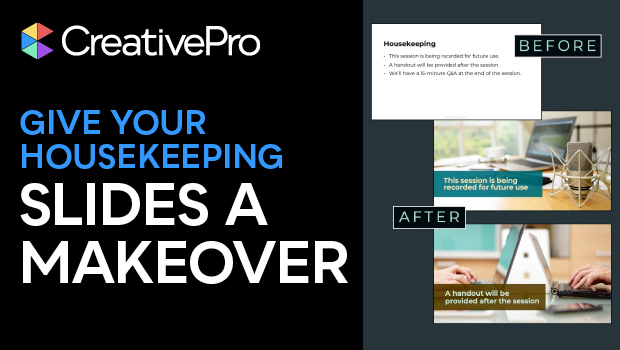
Give Your Housekeeping Slides a Makeover
Tired of the dreaded housekeeping slide? Jody Wissing can help you spruce up you...

CreativePro Video: Using Morph Transitions in Powerpoint
In this week’s CreativePro video, Richard Goring demos how to create a magnifyin...

Tasty Tips and Tricks
A smorgasbord of tips to make your work go faster and get better results