



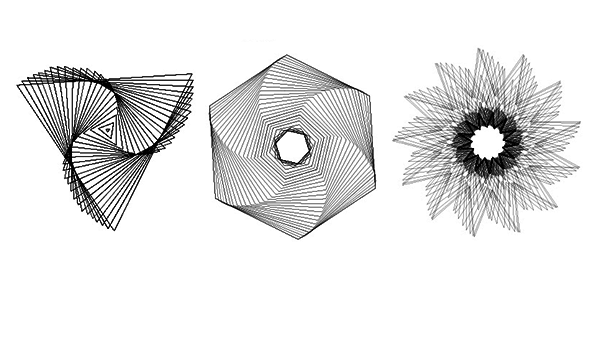
This CreativePro Tip of the Week on creating instant abstract art in Illustrator was sent to CreativeProse email subscribers on January 18, 2017.
Sign up now and every week you’ll get a new tip, plus roundups of new articles, and exclusive deals sent right to your Inbox!
Just scroll down to the bottom of this page, enter your email address, and click Submit! We’ll take care of the rest. Now, on with the tip!
Did you know the tilde key has magical powers in Adobe Illustrator?
Yes, the humble, unassuming tilde key that sits near the top left of your keyboard. By pressing and holding it as you drag with any of Illustrator’s shape tools, you can draw instant abstract art.

When the tilde key is pressed, Illustrator creates a new shape each time the screen redraws. So if you move your mouse or pen tablet slowly, you get a lot of densely packed shapes. If you move it faster, you get fewer shapes spaced farther apart.
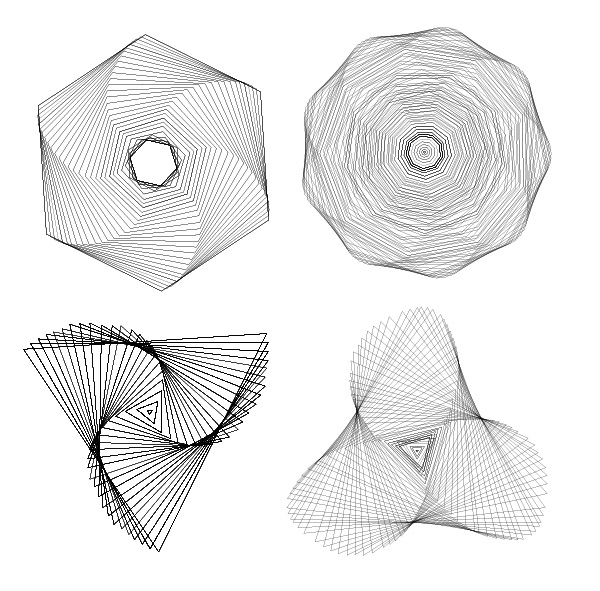
The results look a little bit like an old school Spirograph (if you’re a child of the 70s-80s). Experiment with different strokes and different starting shapes, like polygons and stars.
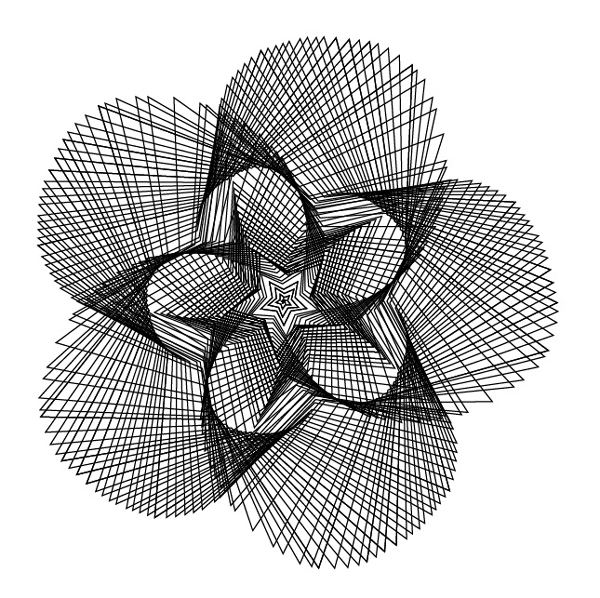
Just make sure you set no fill before you start drawing, otherwise you may not see all the shapes.
This article was last modified on January 23, 2017
This article was first published on January 23, 2017
Commenting is easier and faster when you're logged in!

Recommended for you

The Digital Art Studio: Quick Fixes #4 (Exactly Correcting Proportion)
The most common request I get from colleagues is for help with prepping photos o...
Four Under-the-Radar Lightroom CC Features Worth Knowing About
Adobe’s new Lightroom CC application is a streamlined sibling to Lightroom Class...

Scanning Around With Gene: One Ringy-Dingy, Two Ringy-Dingies
In the annals of great American institutions, American Telephone and Telegraph,...