


Creative Suite How-To: Working with Typography



Total Training has many more titles like this one. Click here to learn more.
Typography is perhaps one of the most compelling aspects of the Adobe Creative Suite — especially when you tap into the workflow features of Version Cue.
In the Creative Suite, typography works the same way across applications, making it easy to make sophisticated type treatments in InDesign, Photoshop, and Illustrator.
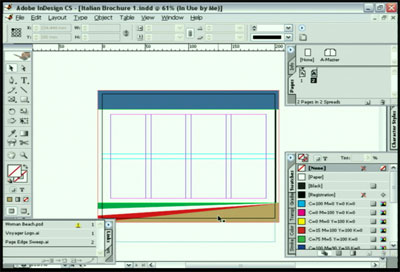
In this video clip (4 minutes 11 seconds as a 6.1 MB download), you will learn the following:
- How to add a headline;
- Draw a text frame & place text in it;
- Format the text & optical kerning.
In the full Total Training Presents: Adobe Creative Suite — From Design to Delivery training series, you will learn techniques for page layout, text wrapping, preflighting, web design, and more.
This video tutorial is a QuickTime movie. Click this link “Typography” to download the file.
If you do not have QuickTime installed, you can get it here:

Excerpted from “Total Training presents: Adobe Creative Suite — From Design to Delivery” © 2004 Total Training ALL RIGHTS RESERVED.
This article was last modified on March 17, 2022
This article was first published on January 7, 2005
Commenting is easier and faster when you're logged in!

Recommended for you

Lightroom 4 Added to Creative Cloud
Photographers now have one more reason to consider joining Adobe’s Creativ...

Heavy Metal Madness: Of Evil Witches and Dancing Pickles
If I was marooned on an island that celebrated only one holiday, I sure hope it...
ShutterSnitch, the Wireless Photo Assistant for iOS
The iPad offers several advantages for photographers. Compared to a laptop, it t...