



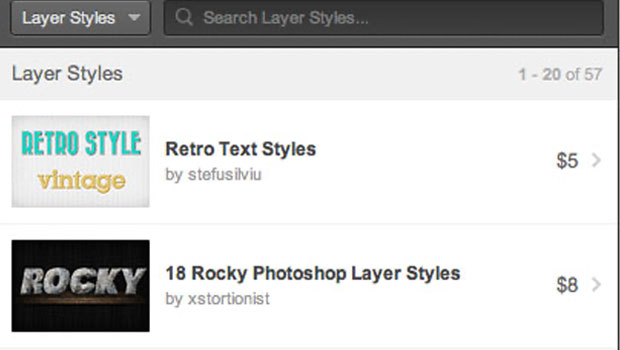
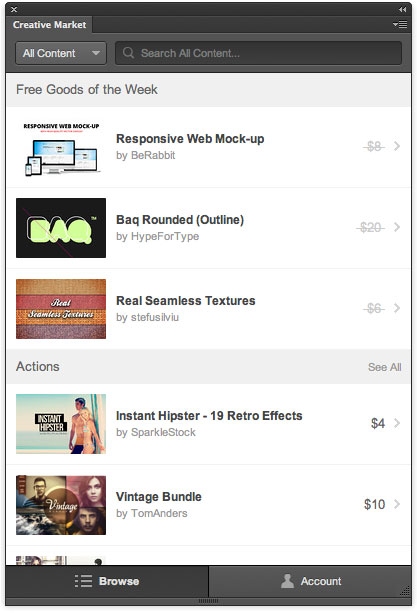
If you work in Photoshop every day, it’s likely that you’re often in need of some creative resource to complete a piece of work. And in some cases, the search for a certain type of brush or font or texture may cost you a lot of wasted time or effort. So the folks at Creative Market have released a free extension for Photoshop CS5 and higher that adds a panel where users can find, purchase, and install resources without ever leaving the application.
Once the extension is installed, you can open the panel from the Window > Extensions menu.
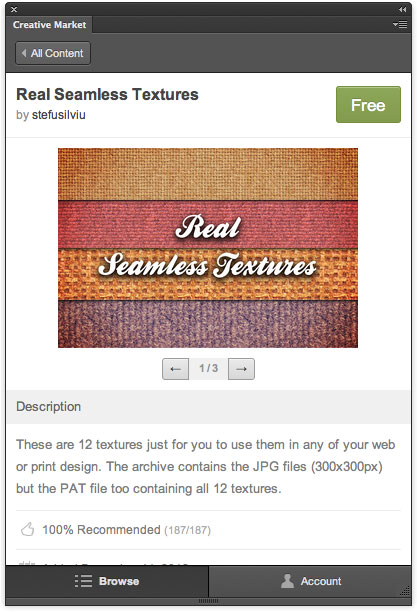
You can use the panel to search for specifc items or browse categories like Actions, Brushes, Fonts, Patterns, Textures, and more. You can also enter and view comments and recommendations on each item.
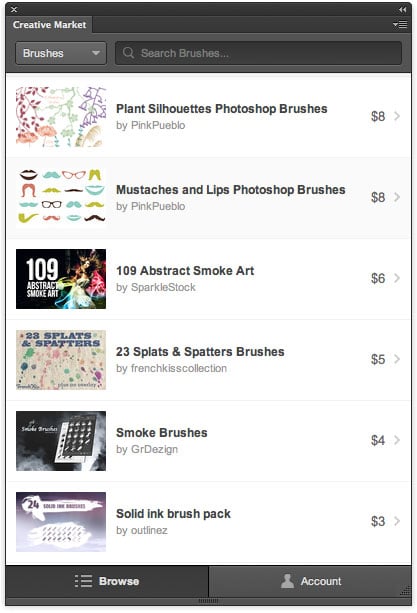
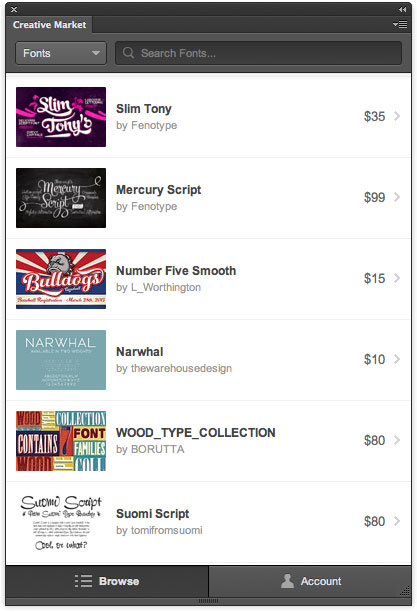
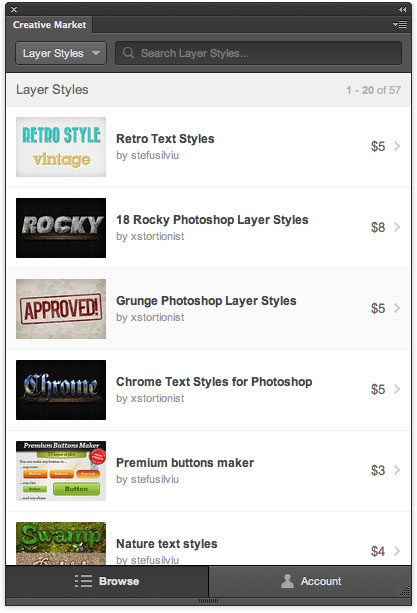
The panel also displays all of your Creative Market purchases and saved collections, so you can install them when and where you need them. There’s no need to re-install assets one-by-one each time you upgrade to a new version of Photoshop.
And since everyone likes free stuff, each week new free resources will be available for download from the top of the panel.
This article was last modified on July 28, 2021
This article was first published on April 10, 2013
Commenting is easier and faster when you're logged in!

Recommended for you

Creative Fuel: Death of a Hero
Jef Raskin, a gifted technology designer, artist, educator, musician, and pionee...

3D Printing With Photoshop CC
Adobe has been building increasingly sophisticated 3D modeling tools into Photos...
Photoshop CS6 Quick Reference Guide
If you use Photoshop every day, chances are you’ve committed to memory the...