




Sooner or later you’re going to be asked to explain yourself. And if not yourself, your styles. Often, people need to explain or describe their paragraph and character styles to a colleague, a boss, or a client. What font did you use for this heading? What first line indent did you use for this body text?
There are a couple of scripts available to do this in limited ways, but so many people have asked about this being added as an actual feature inside InDesign that I decided to include it in the Power Styles plug-in, inside the Blatner Tools suite.
Since it’s a bit hidden (it lives inside the Paragraph or Character Styles panel menu), I’ve decided to bring it out in the open and show you what it looks like and what it does in this little movie:
You can download a free 2-week demo version of the Blatner Tools suite. (Remember that it works with CS3, CS4, and CS5.) And I’m pleased to note that the folks at DTP Tools have agreed to extend the special $99 deal until mid February!
I hope you find this feature useful!
This article was last modified on December 20, 2021
This article was first published on January 9, 2011
Commenting is easier and faster when you're logged in!

Recommended for you

Remove Imported-Style Symbols
When you place a Word file in InDesign, all styles have a symbol to indicate tha...
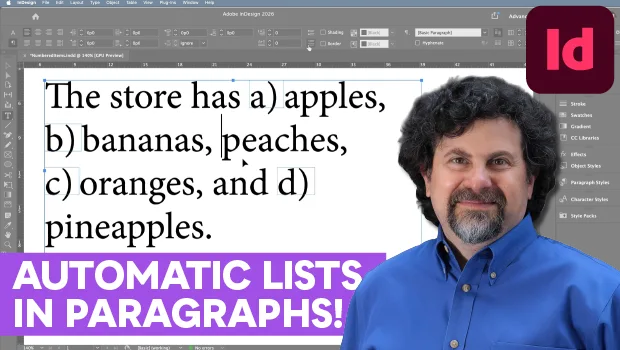
Create an Automatic List Inside a Paragraph
Create automatic numbered or lettered lists inside an InDesign paragraph with th...

A Script to Convert GREP Styles to Character Styles in InDesign
Use this free script to replace GREP Styles with locally applied Character Style...