




If you’re a Mac-using photographer looking for a way to showcase your work in professional quality slideshows, check out FotoMagico by Boinx Software.

It offers the ability to combine still images, sound, and video, along with transitions, pan and zoom, and text effects. Finished results can be exported for web, iPad, iPhone, or a DVD.
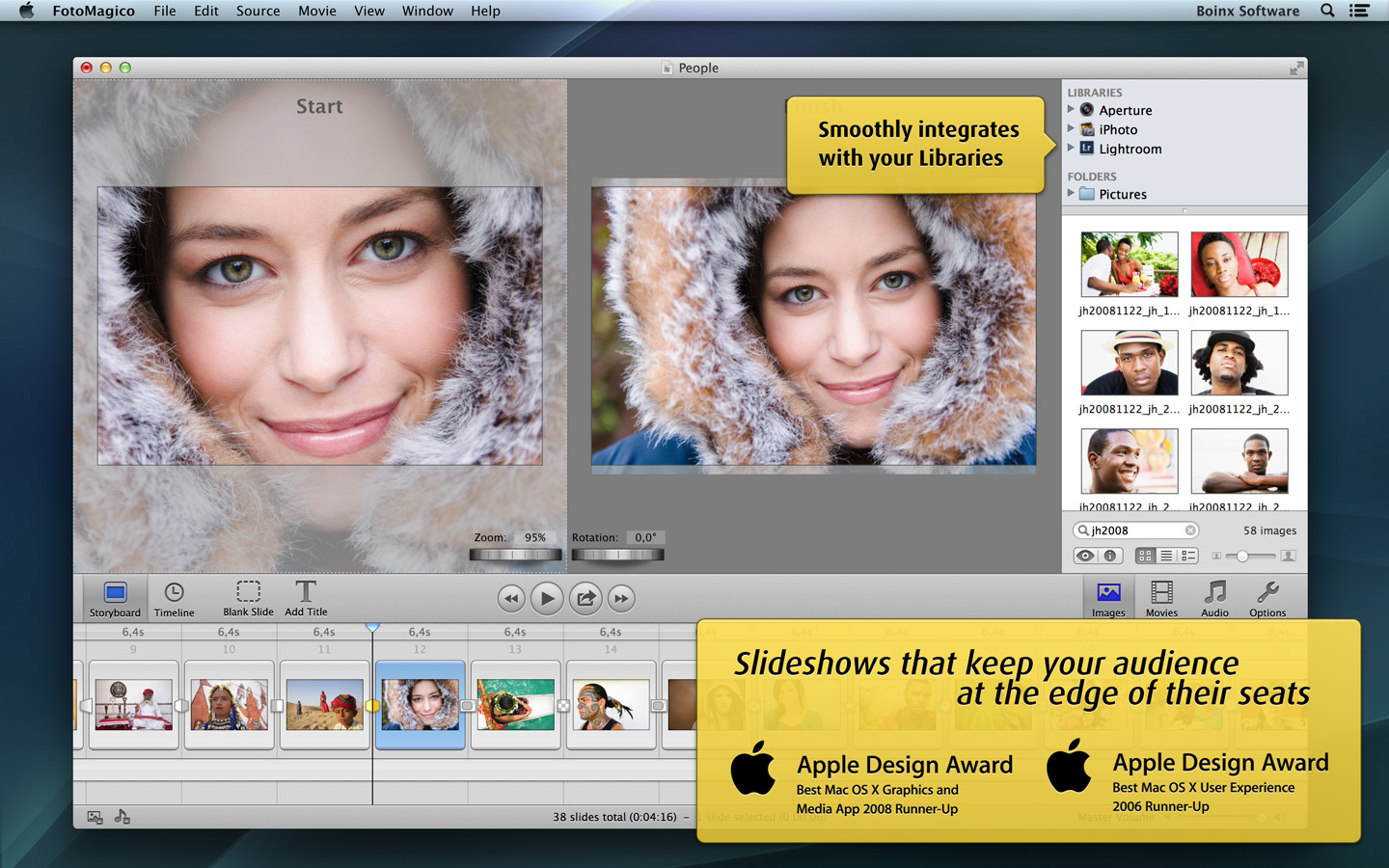

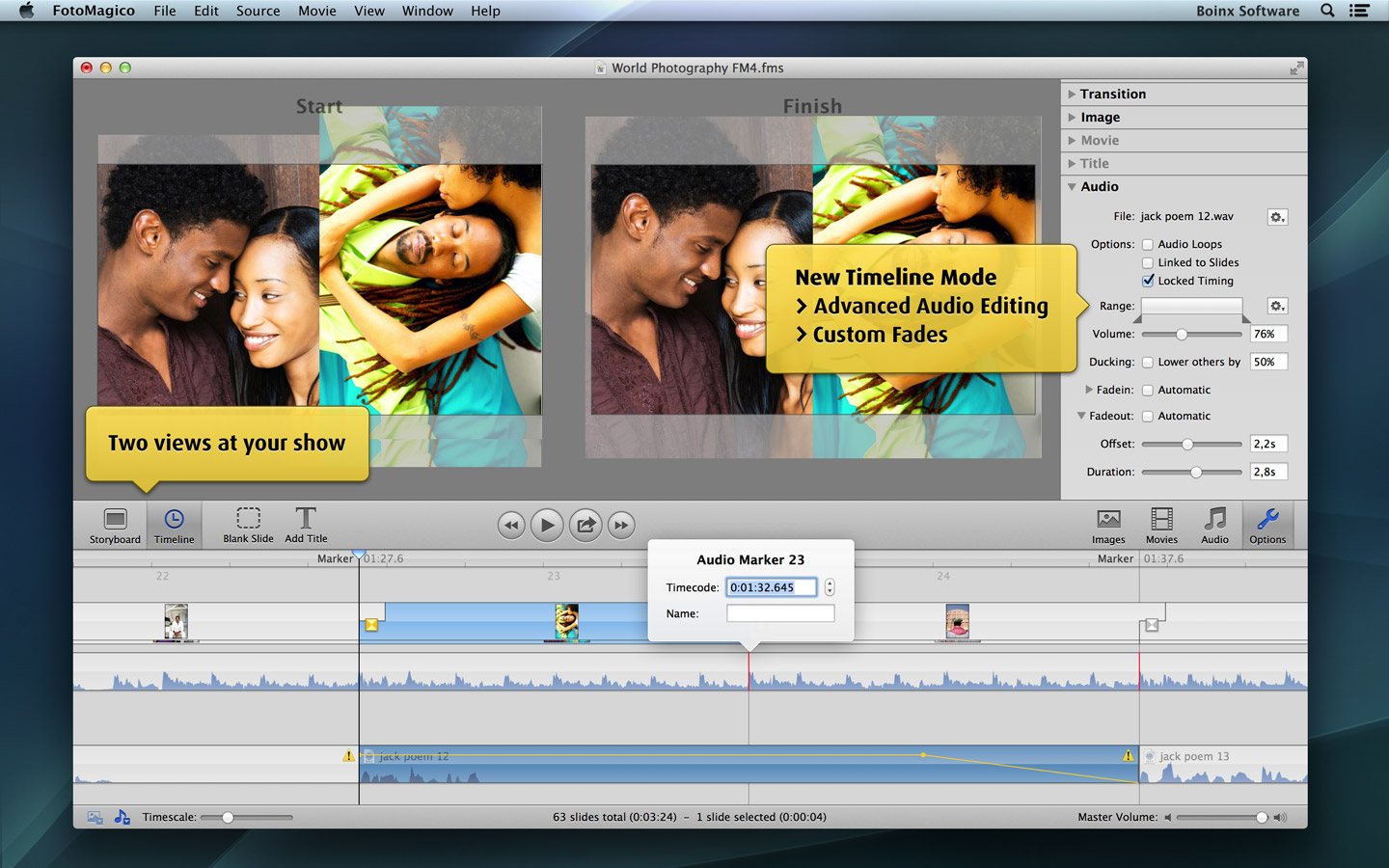
The latest update to FotoMagico offers faster exports, better color accuracy, smoother playback, support OS X Mavericks, and various bug fixes.
To see examples of presentations that photographers have created with FotoMagico, check out the FotoMagico theater, and the demo video below. You can also watch a full-length webinar on how to use FotoMagico 4.4.
This article was last modified on December 17, 2013
This article was first published on December 17, 2013
Commenting is easier and faster when you're logged in!

Recommended for you

Photoshop Tip: Auto-Select a Layer
When you’re working in a Photoshop document containing multiple layers, it...

Ten Tips for New Web Designers
For those of you who may be less familiar with the details of web design it can...

Scanning Around With Gene: When Printers Went to War
Editor’s Note: We recognize that some of you will feel strongly about this...