



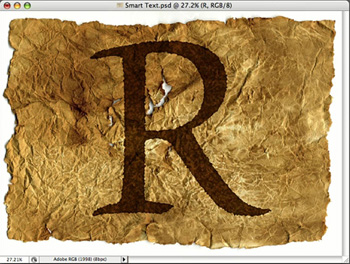
This tutorial is an installment of The Russell Brown Show.
Russell Brown, senior creative director at Adobe, demonstrates how to use Photoshop CS3 to convert a text layer to a Smart Object, then apply Smart Filters. You’ll create amazing special effects that are nondestructive, which means you can edit the text at any time!
Click on the image below to begin streaming the 10.9MB QuickTime tutorial:

If you don’t have QuickTime installed, you can get it here.
This article was last modified on January 8, 2023
This article was first published on August 25, 2008
Commenting is easier and faster when you're logged in!

Recommended for you

The Experimental Typography of Rus Khasanov
We’ve all seen and used our share of “light” typefaces, but ha...
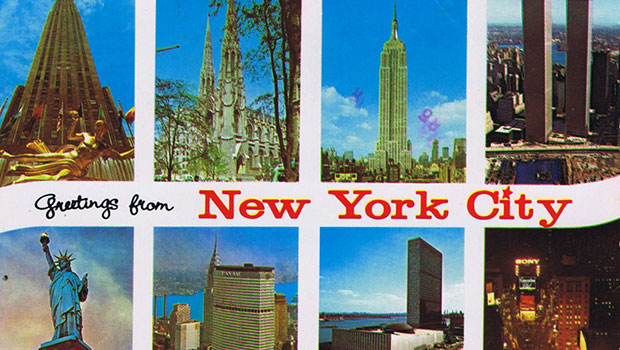
Scanning Around With Gene: Bon Voyage and Happy Landings
I was 16 when I had my first trip on an airplane, and it seemed like a really bi...

Working With Bulleted and Numbered Lists in InDesign
With a little care and effort up front, you can create great-looking numbered an...