



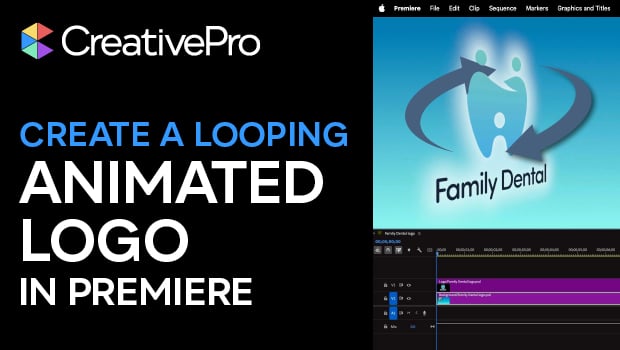
In this Premiere how-to video, Myra Ferguson explains how to create a looping animated logo starting from a Photoshop file. She demonstrates how to import PSD layers as a sequence, apply the Basic 3D effect and Swivel property, and enable the animation. Finally, Myra shares a clever keyframing trick to ensure a seamless loop.
Subscribe to the CreativePro YouTube channel for more helpful design tips!
This article was last modified on March 31, 2026
This article was first published on March 31, 2026
Commenting is easier and faster when you're logged in!

Recommended for you

Combining Animated GIFs with InDesign Animations
One of the best things about fixed-layout EPUB as a digital publishing format is...

Deluxe Holiday Lights
It's time to celebrate the season by lighting up a document with InDesign CS5.

Animating Images With Plotagraph Pro
Plotagraph Pro is an innovative app that allows you to selectively animate still...