



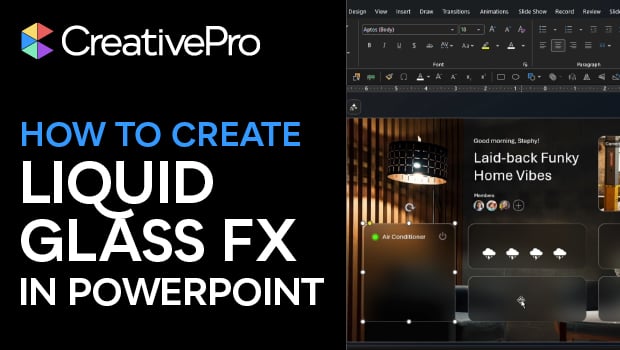
In this PowerPoint how-to video, Stephy Hogan demonstrates how to create a shape that blurs the background behind it. She explains how to use slide background fill, blur adjustments, and strategically layered images to mimic the look of translucent glass. Finally, Stephy shows how to apply a gradient line to your shapes to create a polished, light-reflecting bevel.
Subscribe to the CreativePro YouTube channel for more helpful design tips!
This article was last modified on April 3, 2026
This article was first published on April 3, 2026
Commenting is easier and faster when you're logged in!

Recommended for you

New Shoes Available in Pantone Colors
Now’s your chance to own a pair of casual shoes in an authentic Pantone co...

Free Stuff: Exclusive Vecteezy Assets for CreativePro.com Readers
Here’s something special for all you lovely CreativePro.com readers, court...
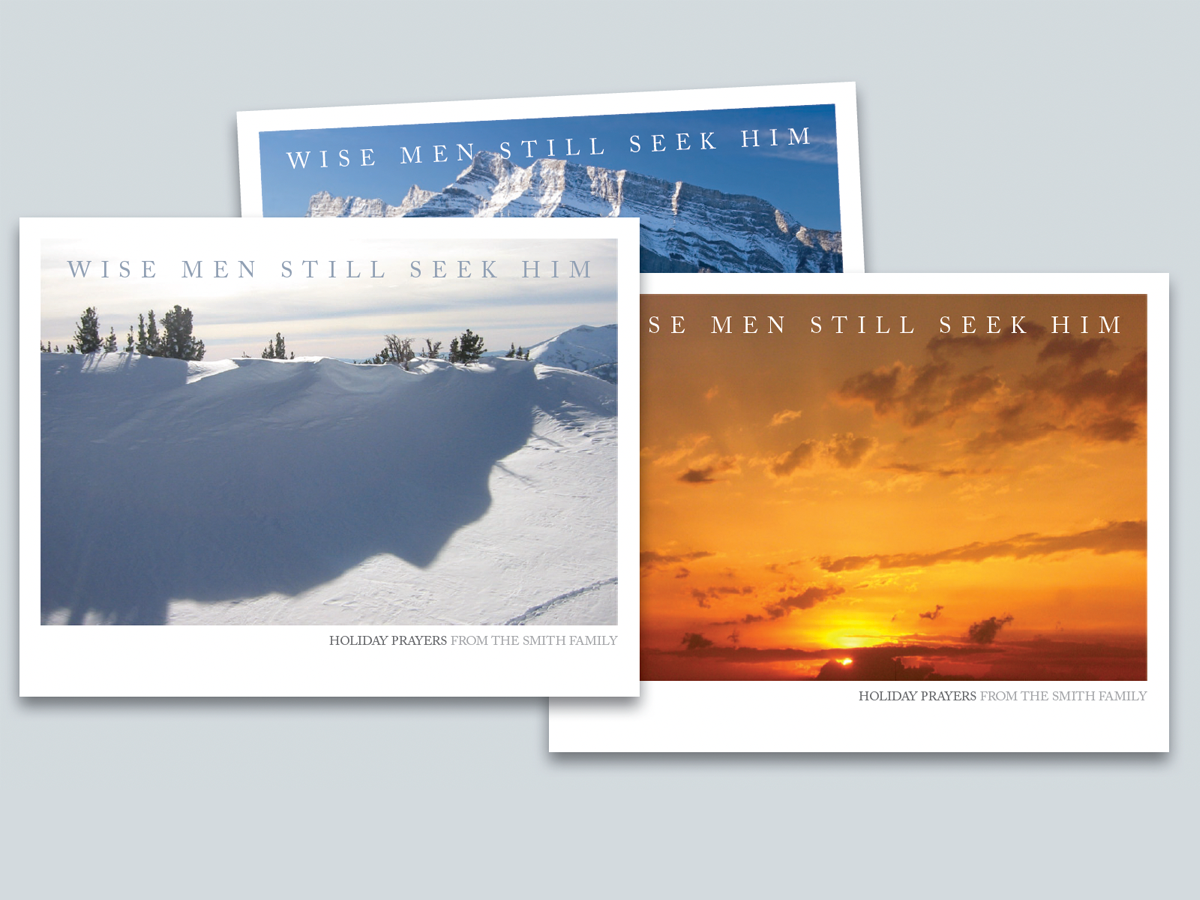
Before&After: Design Your Own Christmas Cards
This 16-page article from issue 42 of Before&After Magazine shows you how easy i...