




Excerpted from Photoshop for Designers: Color on lynda.com.
In this Photoshop tutorial, you’ll transform a simple circle filled with RGB into a complete color wheel that includes tints and shades of all twelve colors.
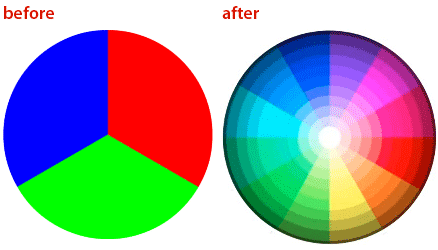
Begin this how-to by clicking the image below to download a Photoshop file that contains the simple shape:
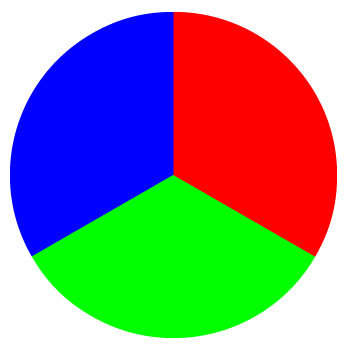
Once you’ve opened the file (called “20120213_pie.psd”) in Photoshop, watch the video below. You can follow along as I duplicate and rotate the image. I’ll then use the Lighten blend mode the image to give the wheel 12 colors. Finally, I’ll apply a radial gradient overlay to change saturation and brightness. The end result will be a color wheel with tints and shades of the colors.
For more in the Photoshop for Designers series, visit Nigel French’s author page on lynda.com.
This article was last modified on January 6, 2023
This article was first published on February 13, 2012
Commenting is easier and faster when you're logged in!

Recommended for you

Free Webinar: InDesign Fixes for When Things Go Wrong
Learn practical troubleshooting techniques to diagnose InDesign problems, fix th...
Create Flawless Fractions with OpenType
Choose your font carefully if you need flawless fractions!

Illustrator’s Two Kinds of Type
Khara Plicanic explains the two kinds of type in Illustrator.