



Press release
Premedia Systems, Inc. is pleased to announce the release and immediate availability of PDF Comparator, an application that harnesses Mac OS X’s built in PDF rendering capability in order to compare two PDFs, one to the other, pixel-by-pixel as they will print. PDF Comparator is an exciting addition to your production workflow tool set.
PDF Comparator lets you quickly and conveniently compare, let’s say, version 42 of your document to version 41. Do this just before you deliver it to your colleagues, client or printer, and relax!
Frequently Asked Questions (and answers)
* What is the price of PDF Comparator?
PDF Comparator is priced at $125 per seat, with discounts available for multi-seat purchases.
* Why do I need PDF Comparator if I already have Acrobat?
While it is true that Acrobat Professional software has a “Compare Documents” feature, we feel that PDF Comparator is superior in several ways:
— PDF Comparator displays differences in a way that is much easier to understand and manage. Because Acrobat creates an individual note object for each difference it finds, making sense of the findings can be a daunting task, especially on pages which contain many differences.
— PDF Comparator gives the user more control of the comparison parameters than Acrobat does.
— PDF Comparator detects some differences that Acrobat misses.
— PDF Comparator is significantly faster in our testing.
* Why is PDF ComParator only available for Mac OS X?
We’ve designed PDF Comparator to use Mac OS X’s built-in capability to render PDFs. Since no other OS has this built-in capability, we have so far only created a Mac OS X version of PDF Comparator.
* What are the known issues or limitations of PDF Comparator?
As with all software, PDF Comparator has a few known issues and limitations you need to be aware of. Because it relies on the operating system to render the PDFs being compared, it is subject to the same limitations as other apps that do the same. In general, PDF Comparator will “see” your PDFs exactly as the Finder, Mail.app, or Preview.app would. This means that certain things may be problematic:
— Certain transparency effects may not be rendered correctly.
— Overprint attributes will not be honored.
— PDF Comparator cannot detect the differences between color spaces (e.g., 0R-0G-0B will not be distinguished from 0C-0M-0Y-100K).
This article was last modified on January 18, 2023
This article was first published on January 22, 2010
Commenting is easier and faster when you're logged in!

Recommended for you

Where Did DPS Go in CC 2015?
With every new version of InDesign, features large and small are added. But occa...
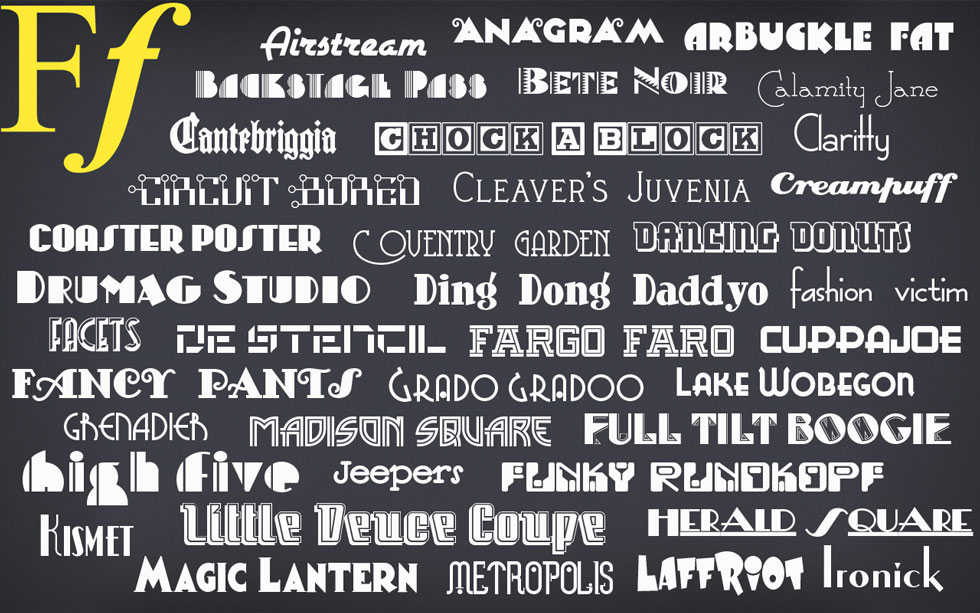
Over 400 Free Commercial Use Fonts
Press Release MacAppware, a division of 128bit Technologies, has announced its F...

Laying Out Basic (non-PDF) Forms Using Tabs
Three ways to get great-looking tab leaders for your forms, a Super Bonus Tip, a...