



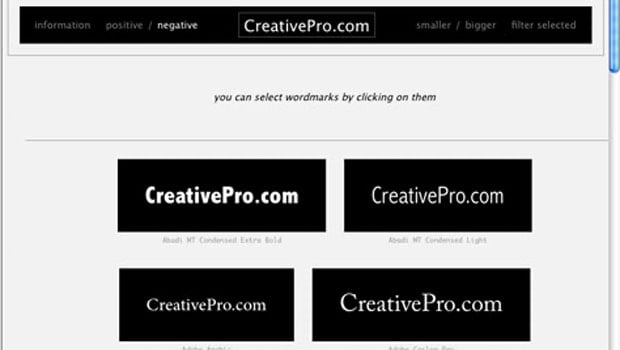
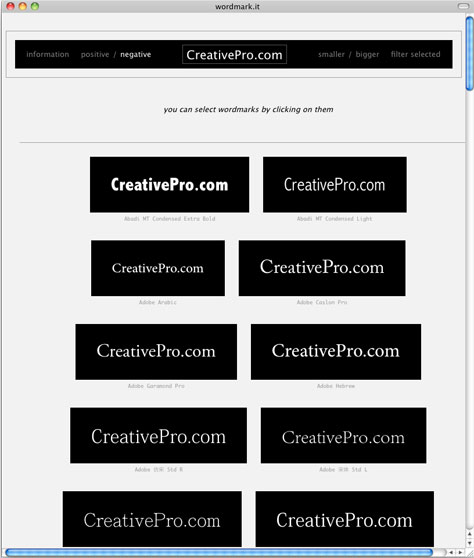
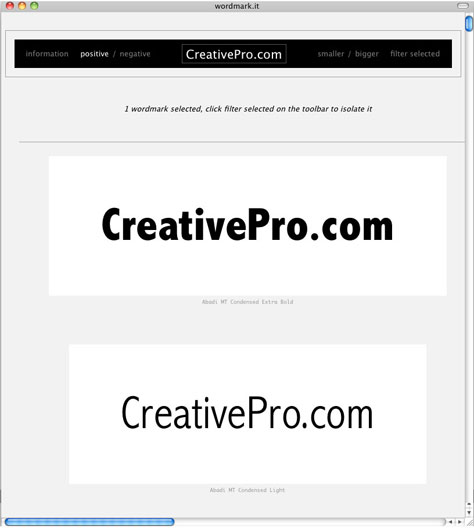
Wordmark.it scans a computer and displays its installed fonts within seconds. You can type in whatever text you like, make the sample display sizes be small or large, and display them as positive (black text on a white background) or negative (white text on a black background). To filter the fonts, click on one or more of the samples.
The site’s font-manipulation options are limited, but hey, it’s free!
Visit the website.
This article was last modified on January 8, 2023
This article was first published on January 11, 2011
Commenting is easier and faster when you're logged in!

Recommended for you

TypeTalk: Script Typeface Dos & Don’ts
Script typefaces can be expressive, eye-catching, and fun to use, but if you are...

TypeTalk: The Five Best (and most underused) Features of OpenType Fonts
OpenType fonts have been the font format of choice for the last decade or so, si...

Using Stylistic Sets
Elegant typography is just a click away with the context menu and these eight gr...