




Menus
You can use any TIFF, PICT, or Photoshop file as a menu screen, meaning you can create your menus using any paint or image-editing program. However, it would be silly to use anything besides Photoshop, thanks to DVD Studio Pro’s excellent support for multi-layered Photoshop documents.
DVD Studio lets you access any individual layer within a Photoshop document, allowing you to create a single document with each of your menu’s button states stored in separate layers. The ability to work with layered Photoshop files not only makes it easier to create buttons and highlights, it also means you only need a few layered Photoshop documents rather than dozens of separate documents that have to be imported and stacked in a particular way.
If you’ve spent much time watching DVDs, you’ve probably seen menu pages consisting of a number of small video clips playing simultaneously. Such menus are actually one giant movie — the DVD spec doesn’t actually support on-the-fly compositing of multiple movie clips. Consequently, to create such a menu, you’ll need to build the composite yourself using a video-compositing application such as Adobe After Effects or Apple’s Final Cut Pro.
In other words, if you really want to create a complete desktop DVD authoring station, you’ll need to plan on using several applications besides DVD Studio Pro.
For creating subtitles, Apple has included a separate subtitling app that allows you to import a movie and enter subtitle text with matching timecode cues. The subtitle editor exports your text into a subtitle stream that can be imported into DVD Studio Pro.
Though the editor is well designed, we had trouble with subtitle sync drifting a bit. Many users have also complained of crashing when using the subtitle editor. If subtitling is an essential part of your authoring process, you may want to consider a third-party utility.
Output
When you’re ready to output your project, you simply choose the Build command from the File menu. DVD Studio Pro will then multiplex your video and audio into the appropriate DVD Video format and output the video to a VIDEO_TS folder on your hard drive. With version 2.5 or later of the Apple DVD Player, you can play the contents of this folder, just as if it were a DVD inserted in your drive.
Note that playing the files from your hard drive through the Apple DVD Player will reveal any bandwidth troubles or other playback issues.
As one would expect, DVD Studio Pro can write your project directly to Apple’s SuperDrive to create one-off DVDs playable in most console or computer-based DVD players. However, it’s important to understand some caveats about Apple’s drive.
First, there are two kinds of DVD-R media: DVD-R for Authoring and DVD-R for General. Apple’s SuperDrive can only write to DVD-R for General discs, which currently come in 4.7GB sizes. Unfortunately, because neither media supports CSS encryption, it is not possible to create a copy-protected master for mass duplication.
Also troublesome is the fact that vendors are not always diligent about labeling their blank media, so when buying blanks, be careful you’re actually buying DVD-R for General. Buying from the Apple Web site is the best way to guarantee getting the proper media, and Apple offers very good prices.
DVD Studio Pro can also write your project to a DLT tape drive. Obviously, if you’re creating a disc that’s bigger than 4.7GB then you’ll need to output to either a tape drive or your hard drive. However, be aware that duplication houses may only accept certain types of media for mastering.
Roll Out
We were very impressed with DVD Studio Pro. Its interface is well-suited to DVD authoring, and its feature set is comprehensive. Though we’re pleased with Apple’s inclusion of a free MPEG encoder, we were frustrated by the lack of bandwidth analysis tools. Certainly, there are a number of tweaks that we would like to see, and the Subtitle Editor could be more stable, but none of these problems prevents DVD Studio Pro from being an excellent DVD authoring solution.
This article was last modified on January 18, 2023
This article was first published on July 17, 2001
Commenting is easier and faster when you're logged in!

Recommended for you

Veer Issues Special Edition "Creatives Care" T-shirt to Raise Funds for Hurricane Victims
Veer, a provider of visual elements and design-related products to the creative...
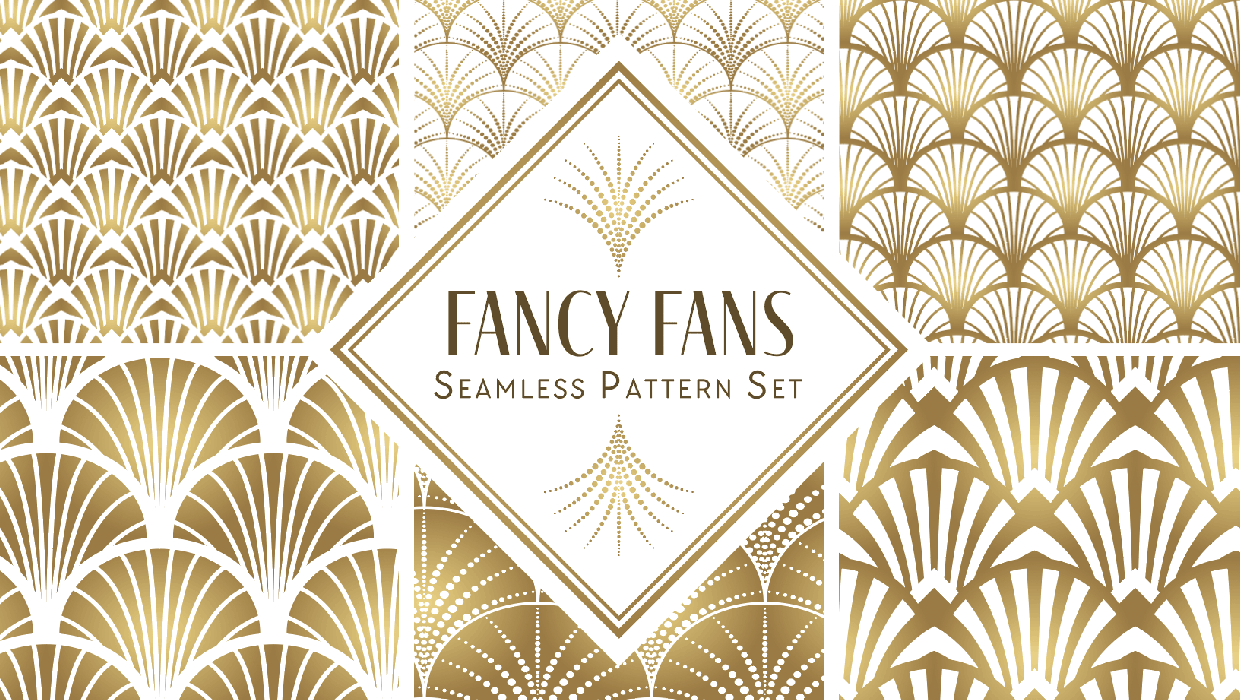
Illustrator Downloadable: Fancy Fans Art Deco Patterns
12 gorgeous vector patterns to add a sleek and swanky style to your designs

Making Calculations in InDesign
Scripts and other solutions to take the pain out of dealing with math in InDesig...