




If you experienced problems after updating to InDesign CC 2017.1, there may be a fix for you. In June, Adobe released a couple bug fixes for Windows and Mac to address the following problems:
- Header row goes missing when duplicating tables
- InDesign crashes while showing tabbed panel in ScriptUI dialog
- A Startup Script, which performs actions on New Document/after New Document, doesn’t work anymore because of the New Command+N dialog box
Note that to apply the fixes, you have to download and run the scripts linked above. As of this writing, they are not accessible via the Creative Cloud app.
This article was last modified on July 25, 2019
This article was first published on July 27, 2017
Commenting is easier and faster when you're logged in!

Recommended for you
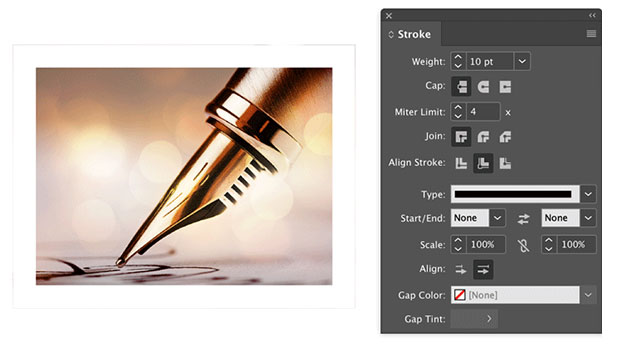
Help Squash This Bug: Placed Images Showing Outside the Frame
Here’s an annoying little InDesign bug that maybe we can get Adobe to finally sq...

Bug Fix for InDesign 2020 Released
Small update released to fix issues related to crashing and disappearing cursors...

Beware Overprinting White
Why white text can disappear in InDesign, when using a paragraph style and the O...