




BeLight Software releases Art Text 2, a major upgrade to its software for creating headings, web graphics, buttons and logos. New version features Template Gallery with over 200 ready-made buttons, headings, icons. Multiple layers support and redesigned interface turn Art Text 2 into flexible tool to create complex graphics. 120 new vector icons and over 190 supplied textures were added. Pricing starts at $39.95, upgrade is free for people who purchased version 1 starting July 1st, 2008 and costs only $19.95 for those who purchased earlier:
www.belightsoft.com/products/arttext/version2.php
“We are thankful to all Art Text users who found version 1 useful and wrote us feedbacks and suggestions about improving the program. When working on version 2 we tried to account on most of those wishes and nevertheless keep the software easy to use, so that two clicks are enough to bring joy to any user!”- says Pavel Skurtul, Art Text Product Manager.
Art Text version 2 changes:
– 120 new vector icons added;
– Redesigned program interface;
– Merge layers using one of the 11 blend modes;
– Texture library with over 190 supplied textures added;
– Multi layers support added, each layer has its own properties;
– Library of Shading materials grew to 245 surface materials in total;
– Template Gallery with 200+ editable button, heading, icon and logo templates becomes available.
More details about Art Text 2:
www.belightsoft.com/products/arttext/versch/versions.php
This article was last modified on December 17, 2022
This article was first published on September 23, 2008
Commenting is easier and faster when you're logged in!

Recommended for you
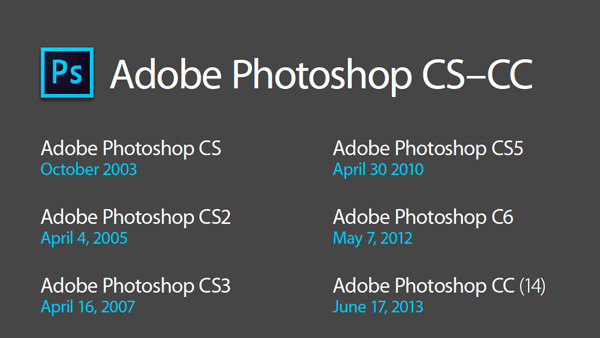
Photoshop New Features Guide
For some time, InDesign users have enjoyed a great free resource that details wh...
CreativePro Tip of the Week: Resetting the Bounding Box of Objects in Illustrator
This CreativePro Tip of the Week on resetting the bounding box in Illustrator wa...

Working With Dynamic Symbols in Adobe Illustrator
Symbols have always been a powerful tool in Adobe Illustrator. With symbols, you...