



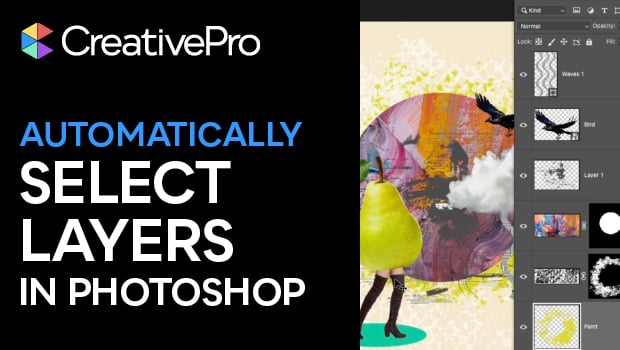
In this short Photoshop how-to video, Khara Plicanic reveals how to select content directly on the canvas. No more clicking on the specific layer in the Layers panel before moving objects around. It’s like a superpower!
Subscribe to the CreativePro YouTube channel for more helpful design tips!
This article was last modified on March 26, 2026
This article was first published on March 26, 2026
Commenting is easier and faster when you're logged in!

Recommended for you

How to Add Layer Sets to InDesign Files with Snippets
How to add pre-existing layer sets to any InDesign document quickly and easily.

How to Filter and Sort Photoshop Layers
Learn how to easily organize and find your Photoshop layers.

Tip of the Week: Layer Shortcuts
Sign up for the InDesign tip of the week to get a new tip, roundups of new artic...