



If you do a lot of Photoshop work, it behooves you to spend some time to configure the application (and the computer it’s running on) to achieve peak performance. The time you spend optimizing your Photoshop environment will almost certainly pay back big efficiency dividends. But how do you know how to optimize Photoshop’s performance? There are many factors at work, and it takes an expert approach to really fine tune all the options to squeeze every last drop of speed out of your machine. Fortunately, the Photoshop team has posted a new, extensive guide on How to Tune Photoshop for Peak Performance.
For hardware topics, guide includes sections on RAM, hard disk storage, processors, graphics cards, and monitors. For Photoshop itself, the guide has a set of key steps to follow including allocating scratch disk space, optimizing cache settings, choosing the right file format, optimizing images, and much, much more.

And by the way, if you haven’t upgraded to CS6, the CS5 version of the guide is still available.
This article was last modified on October 12, 2012
This article was first published on October 12, 2012
Commenting is easier and faster when you're logged in!

Recommended for you

Streamline your apps and workflows with Actions for iPad
When it comes to our creative apps, a lot of folks (myself included) sometimes h...
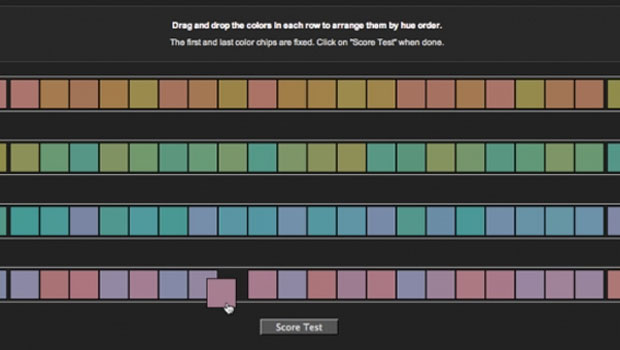
Do You Have a Color Vision Deficiency?
Want to find out if you have any deficiencies in your color vision? Try the the...

Add Grain Effects to Photos and Type in InDesign
Using just six variables in the Effects panel can achieve an almost infinite var...