




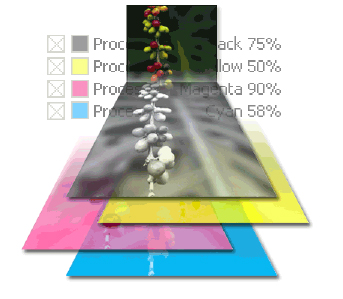
Adobe® Acrobat® 7.0 Professional lets you preview color separations on-screen, or soft-proof, so you know exactly how a document will print. For accurate color preview, first specify color management settings. Then, preview one or more separations at a time. You can see how spot colors convert to process colors while you preview separations, and then you can temporarily convert the inks for a single print job by using the Ink Manager in the Print dialog box.
We’ve posted this story as a PDF file. All you do is click the link “PDF Soft-Proofing” to open the PDF file in your Web browser. You can also download the PDF to your machine for later viewing.
To open the PDF, you’ll need Adobe Acrobat Reader. Get it here:
 .
.
To learn how to configure your browser for viewing PDF files, see the Adobe Reader tech support page.
This article was last modified on January 10, 2022
This article was first published on February 16, 2005
Commenting is easier and faster when you're logged in!

Recommended for you

InDesign How-to Video: Create a Custom Workspace
In this week’s InDesignSecrets video, Anne-Marie Concepción shows us how to keep...

Scanning Around with Gene: Dinner Time Is TV Time
The political conventions, upcoming debates, and election season means spending...

What’s New in Illustrator: The July 2022 Release (Version 26.4)
Numbered and Bulleted Lists, a History panel, and new 3D features have been adde...