




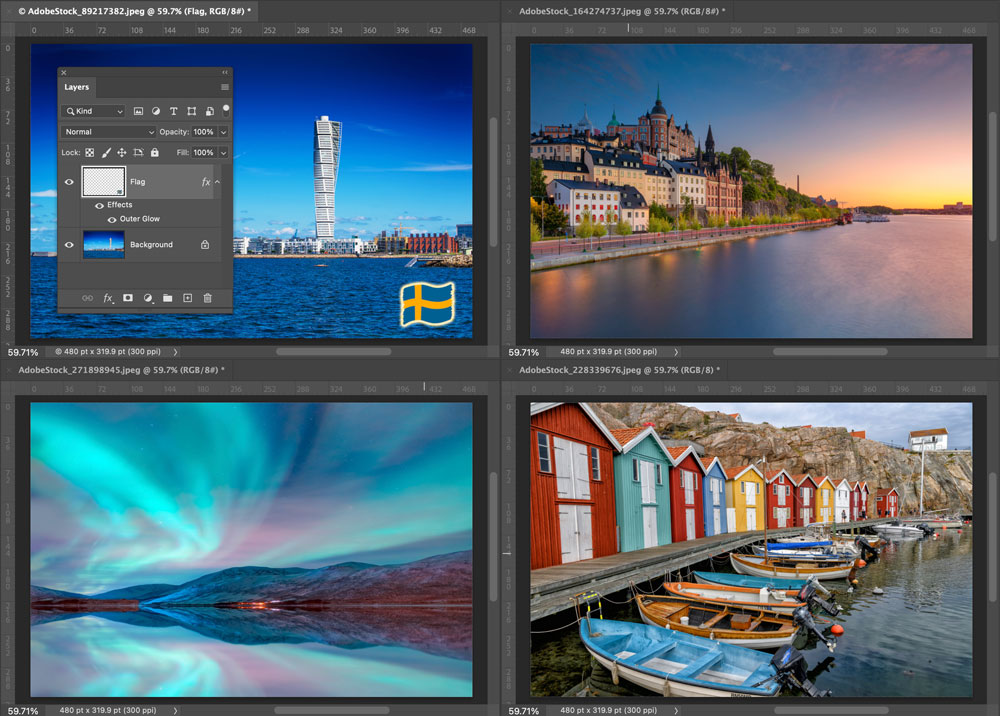
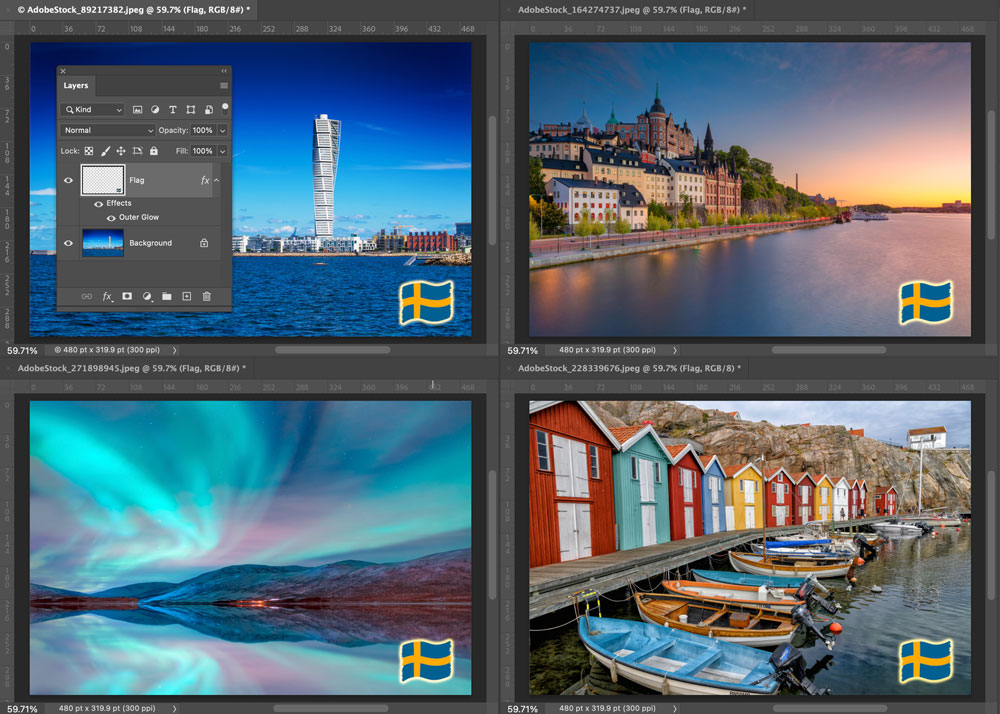
Ever need to copy the same layer content to a bunch of Photoshop files? There’s a free script that will do it instantly. It’s called Duplicate to All and it was written by Cameron McEfee, maker of GuideGuide, a powerful plug-in for manipulating guides in Photoshop, Illustrator, InDesign, Figma, and Sketch.
Once the script is installed, just choose it from File > Scripts. The currently selected layer will be duplicated to all open documents. You can use the script to duplicate pixel layers, type layers, Smart Objects, adjustment layers, and shape layers. If you want to duplicate a background layer you must first convert it to a pixel layer.
Before:
After:
This article was last modified on November 7, 2024
This article was first published on November 7, 2024
Commenting is easier and faster when you're logged in!

Recommended for you

Why Is My Punctuation Floating High?
Diane wrote: I have imported a Word doc into InDesign and had a glyph weirdness....

How to Build a Font in Adobe Illustrator
Learn how easy it is to build your own custom font with Illustrator and the Font...