




This article was last modified on November 2, 2017
This article was first published on
Commenting is easier and faster when you're logged in!
Loading comments...

Recommended for you
Article
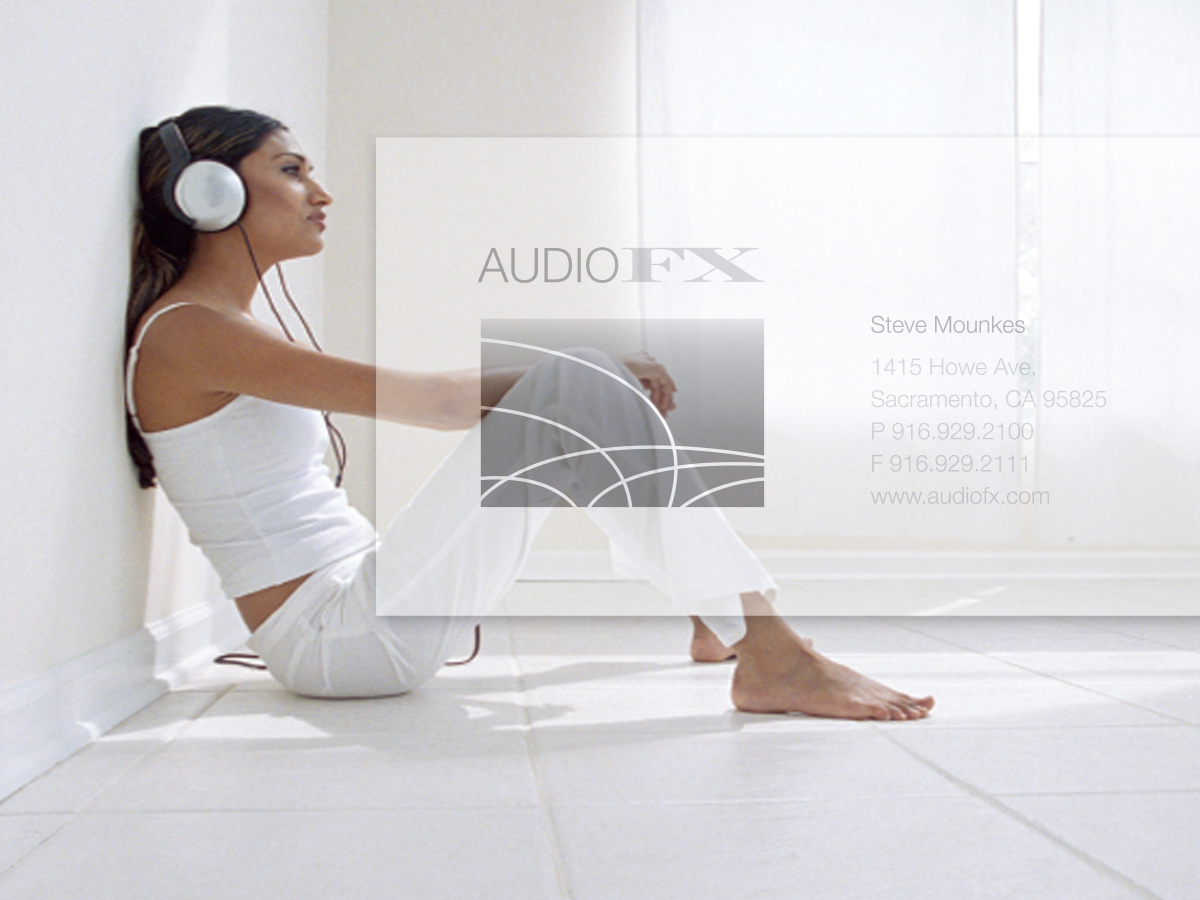
Before&After: Make Your Design Express Who You Are
An audio retailer designs a card that floats on air.

Article
Making a Checkerboard Pattern With Nested Styles
I love coming up with new and unusual ways to make patterns in InDesign. Awhile...

Article
Why is the Effects Panel Grayed Out?
Have you ever tried to apply effects to a text frame, but the whole Effects pane...