




This article was last modified on October 13, 2016
This article was first published on
Commenting is easier and faster when you're logged in!

Recommended for you
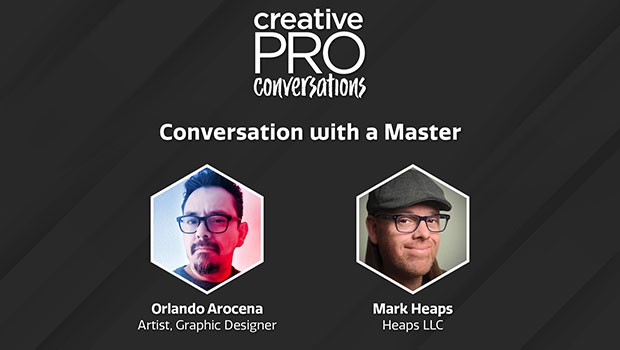
CreativePro Conversations: Orlando Arocena
Mark Heaps talks with designer and digital artist Orlando Arocena about his proc...

InDesign How-to Video: Create Lines in Forms
In this week’s InDesignSecrets video, David Blatner demonstrates one of the easy...

dot-font: Being a Typographer
dot-font was a collection of short articles written by editor and typographer Jo...