




This article was last modified on September 29, 2016
This article was first published on
Commenting is easier and faster when you're logged in!

Recommended for you

Removing Space Along the Left Edge of Text
Every character has a "left side-bearing" but few people notice... until it bite...
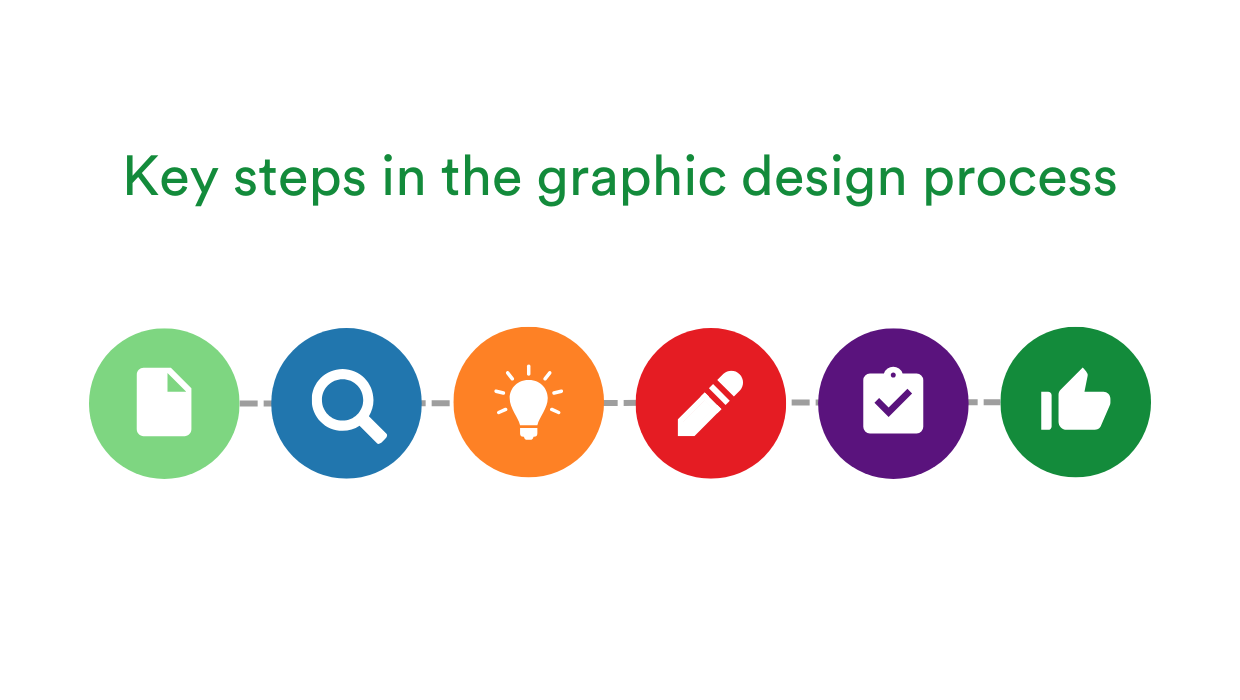
Key Steps in the Graphic Design Process for a Smooth Workflow
Following a well-defined set of graphic design steps helps designers transform c...
Migrating vs. Syncing Settings in InDesign CC 2014
When InDesign CC 2014 was released, it introduced a new feature called Seamless...