




This article was last modified on March 30, 2016
This article was first published on
Commenting is easier and faster when you're logged in!
Loading comments...

Recommended for you

Article
Combining Custom Distortions with Image Warp in Photoshop
Photoshop's Image Warp tool is great for bending layers into any shape. Often, t...
Article
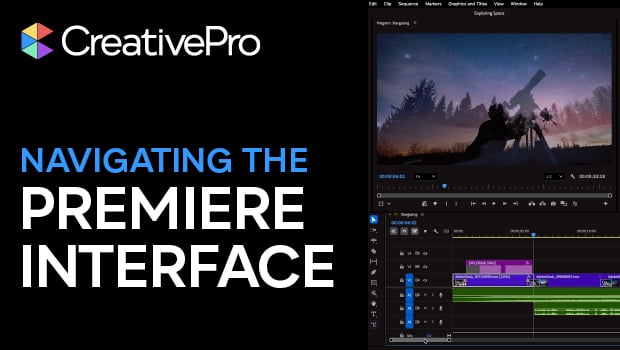
Navigating and Customizing the Premiere Interface
Are you a Premiere beginner? Get started and customize your workspace with Myra...

Article
TypeTalk: Kerning Principles
TypeTalk is a regular blog on typography. Post your questions and comments by cl...