




The addition of paragraph shading, the simple (and long- requested) way to add a background color behind a paragraph of text, was one of the more exciting features added in InDesign earlier this year. Anne-Marie Concepción is a fan of this feature, and she shares some handy tips and tricks for using paragraph shading in the video below from the InDesignSecrets series at Lynda.com.
Included in the tips are how to apply paragraph shading to a series of multiple paragraphs with no gaps in the shading, and how to use paragraph shading with non-rectangular text frames. So simple, and so useful! You don’t want to miss this one.
For Lynda.com members, if you are currently signed in to your account, you can also check out these videos from the series.
Not a Lynda.com member?
Get 10 days of free unlimited access to Lynda.com.
Working With Pasteboard Options
Creating a keyboard shortcut for the [None] character style
Creating Intertwining Objects
This article was last modified on March 5, 2025
This article was first published on October 16, 2015
Commenting is easier and faster when you're logged in!

Recommended for you
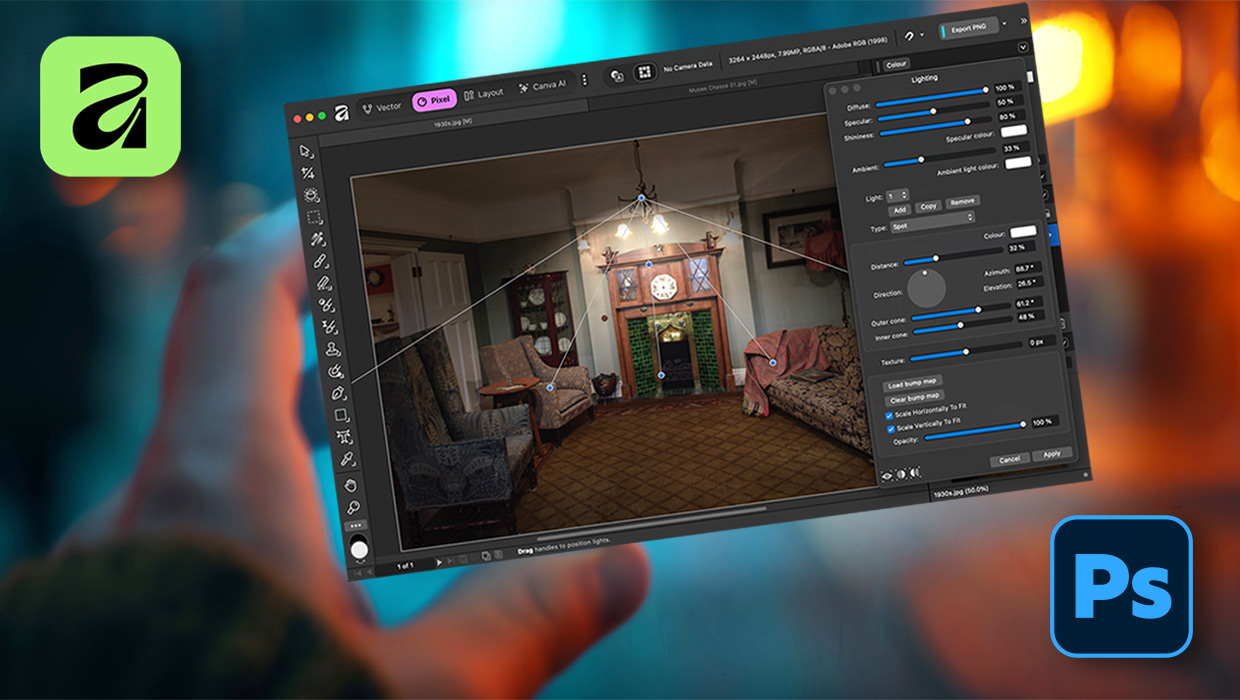
Affinity for Photoshop Users
From real-time previews to added adjustments, Affinity special effect and lighti...

Conditional Styling Rules for InDesign
With this plug-in you can define conditions for automatically applying paragraph...

A Script to Convert GREP Styles to Character Styles in InDesign
Use this free script to replace GREP Styles with locally applied Character Style...