



At one time or another, we’ve all been in this situation: you’re proofing a document with the pressure of a deadline looming, and you come across a word that is hideously hyphenated.
You can’t leave it as is. You don’t want the word hyphenated at all. And the clock is ticking. What do you do? Do your fingers instinctively move to the Shift and Return keys, to insert a soft return (aka Forced Line Break)?
That’s a quick and easy solution to the immediate problem, but it can set you up for bigger problems down the line, when the text or layout is edited, or output to something like a reflowable EPUB.

So regarding soft returns to prevent hyphenation, the right thing to do is just say “no!”
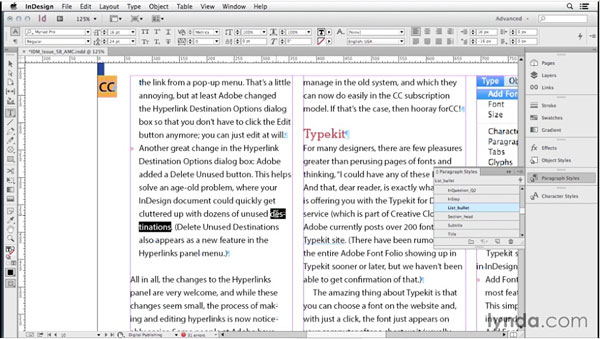
But how do you stop a hideous hyphenation? In a video from the InDesign Secrets series at lynda.com, Anne-Marie Concepción shows you three better alternatives to soft returns. They’re all quick and painless, and will leave your text in better shape to work with going forward. Check it out!
This article was last modified on March 5, 2025
This article was first published on May 8, 2015
Commenting is easier and faster when you're logged in!

Recommended for you
InDesign How-to Video: How to Delete Text Styles in Use
In this week’s InDesignSecrets video, Anne-Marie Concepción explains how to hand...

InDesign How-to Video: How to Distribute Tabs Evenly
David Blatner shows the quick way to distribute and space out tab stops evenly i...
InDesign How-to Video: How to Make a Highlighter Effect
In this week’s InDesignSecrets video, Erica Gamet creates the look of highlighte...