



This tip was sent to Tip of the Week email subscribers on April 9, 2015.

Sign up now and every week you’ll get a new InDesign Tip of the Week and Keyboard Shortcut of the Week, along with roundups of new articles at InDesignSecrets and CreativePro, plus exclusive deals sent right to your Inbox!
Just scroll all the way down to the bottom of this page, enter your email address, and click Go! We’ll take care of the rest. Now, on with the tip!
Did you ever type a bunch of text in InDesign, only to notice afterward that your caps lock key was down? What do you do then? Retype it all? Use it as a very LOUD design element?

Title Case capitalizes every word, even some that you might not want capitalized in a title, like “a” “the” and so on. If you need a more capable method, check out the script Smart Title Case by Dave Saunders. It has been around for almost ten years but still works perfectly in InDesign CC 2014.
Sentence case capitalizes the first word after punctuation marks like periods, question marks, and exclamation points.


This article was last modified on July 25, 2019
This article was first published on April 14, 2015
Commenting is easier and faster when you're logged in!

Recommended for you
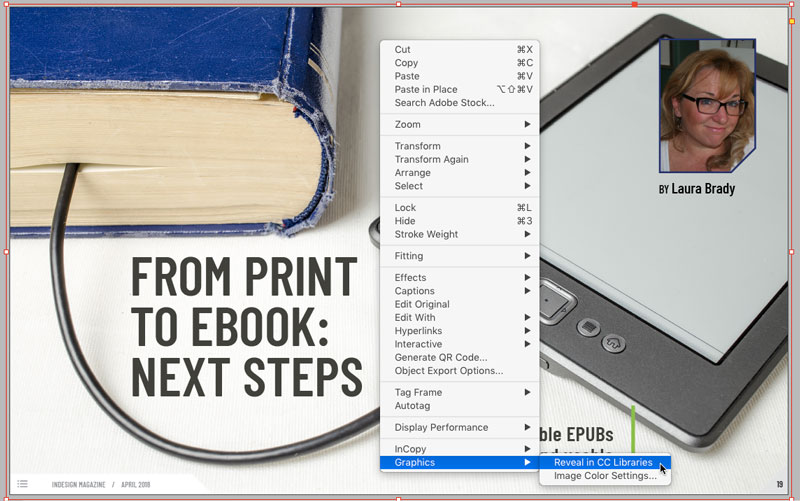
Tip of the Week: Revealing Graphics in CC Libraries
How to quickly locate a graphic placed from Adobe Stock in a CC library item in...

Tip of the Week: Spring-Loaded Shortcuts
This little trick lets you switch tools in InDesign without missing a beat.
Tip of the Week: Keyboard Shortcuts for Document Presets
This tip was sent to Tip of the Week email subscribers on August 13, 2015. Sign...