




This article was last modified on August 12, 2014
This article was first published on
Commenting is easier and faster when you're logged in!

Recommended for you

Tip of the Week: Using Align and Distribute with Guides
This InDesign tip on using align and distribute with guides was sent to Tip of t...

Creating Custom Printer Marks in InDesign
M. asked: Can I customize the crop marks and registration marks that InDesign cr...
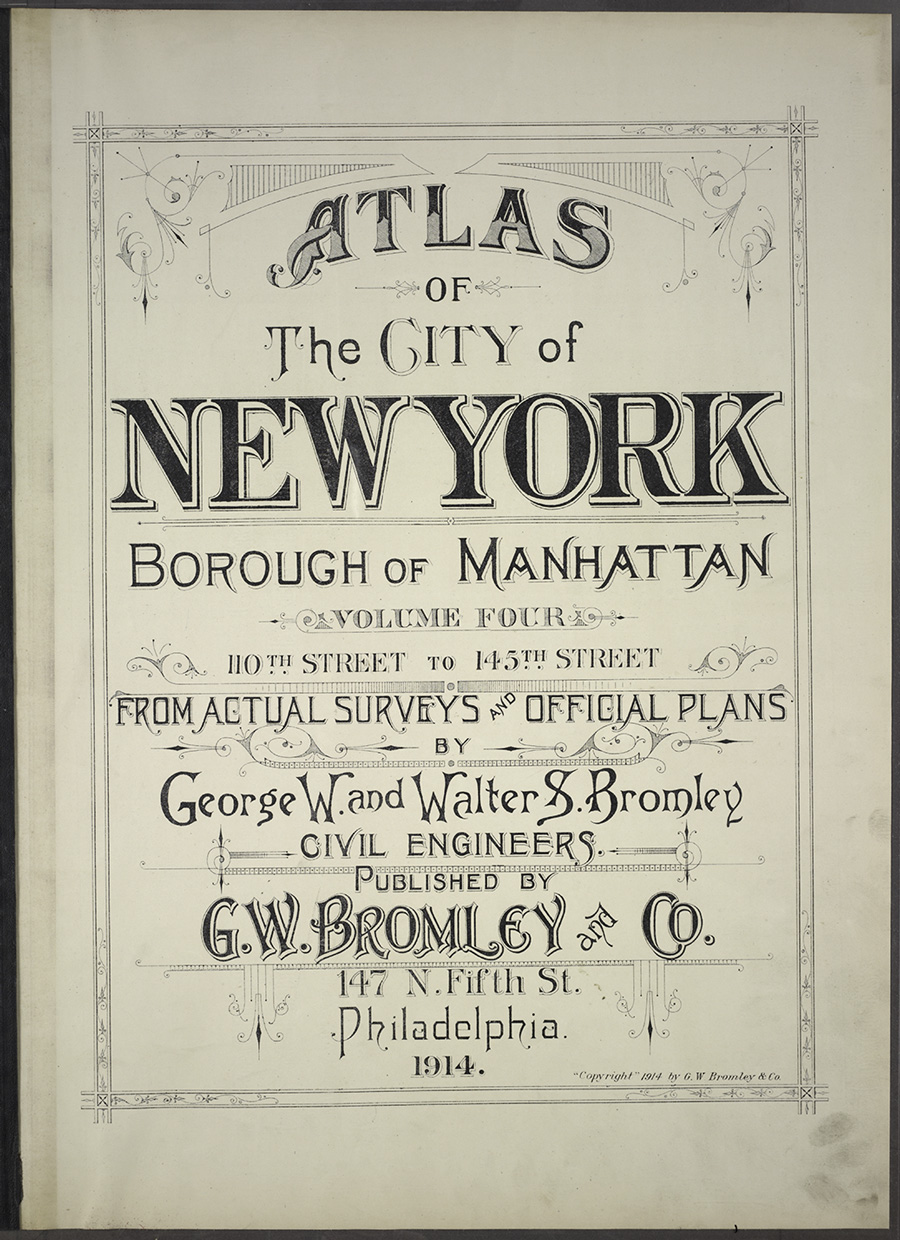
Free Maps From the New York Public Library
Last year we saw the Getty Museum make thousands of high-resolution images freel...