



This article was last modified on September 20, 2013
This article was first published on
Commenting is easier and faster when you're logged in!
Loading comments...

Recommended for you

Article
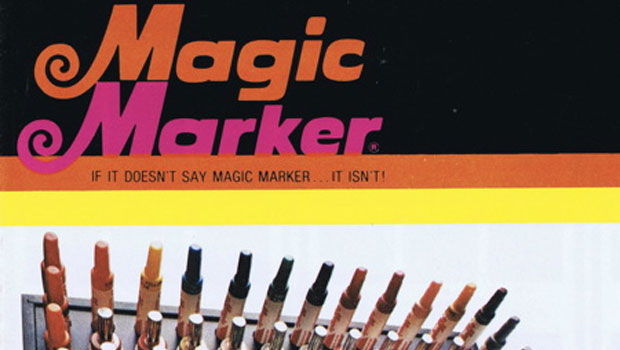
Scanning Around With Gene: How Many Markers Were On Your Taboret?
For those poor young people who grew up entirely in the digital art era, I shoul...

Article
JupiterMedia Announces Acquisition of GoodShoot for Its JupiterImages Division
Jupitermedia Corporation (Nasdaq: JUPM) today announced that its wholly-owned su...