




This article was last modified on October 20, 2011
This article was first published on
Commenting is easier and faster when you're logged in!

Recommended for you

Kodak and WhatTheyThink Conduct Informative Web Session: Sustainability is the New Green
WhatTheyThink.conducted a free printing industry educational webinar, Sustainabi...
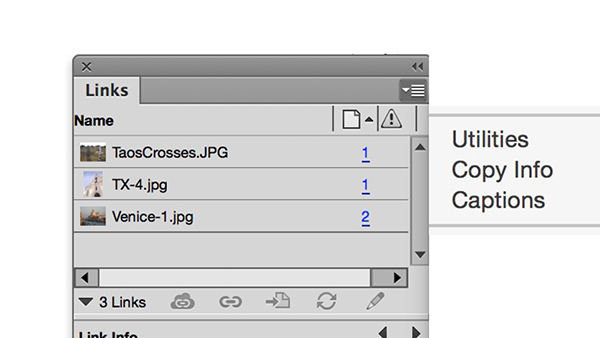
Secrets of the InDesign Links Panel
InDesign's Links panel is a wonderful tool for viewing info about placed graphic...

Index Stock Imagery Will Represent PureStock RF
Index Stock Imagery, www.indexstock.com, has agreed to represent Superstock's dy...