




This article was last modified on June 14, 2011
This article was first published on
Commenting is easier and faster when you're logged in!
Loading comments...

Recommended for you

Article
How to Turn Off InDesign’s New Welcome Screen
One of the features that recently debuted with the English version of InDesign C...
Article
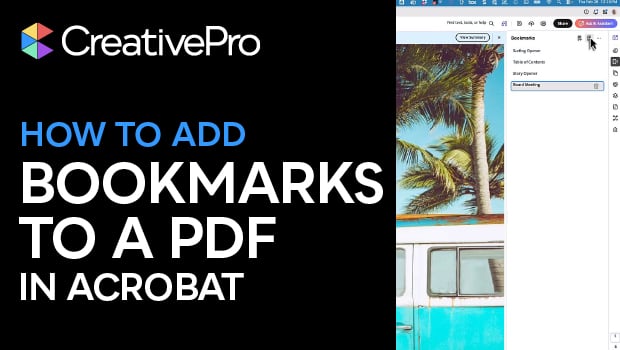
Create PDF Bookmarks in Acrobat for Easier Navigation
Navigate your PDF files with ease using bookmarks!

Article
InDesigner: Rolling Stone Magazine
Learn how InDesign is used to produce the most famous music magazine of all.