



This article was last modified on March 22, 2011
This article was first published on
Commenting is easier and faster when you're logged in!

Recommended for you

Adobe InDesign Released for iPad, iPhone, and iOS
It's the answer to a prayer, says some users (it's the end of the world, say oth...
How to Style Negative Numbers Automatically InDesign
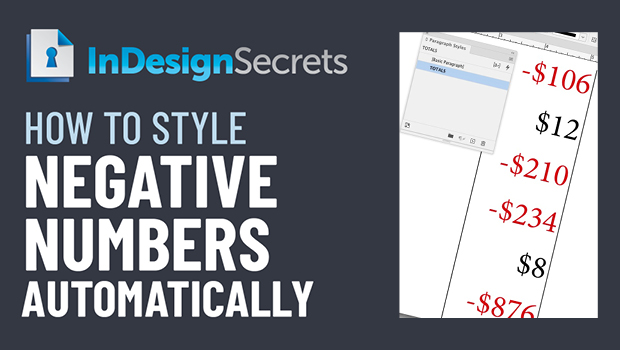
Learn how to set up a GREP style in InDesign, so that negative numbers will auto...

The Joy of Ornaments
Typographic ornaments used to be a design staple back in the days of metal type,...