


Reply To: Spread without first page


This article was last modified on November 27, 2009
This article was first published on
Commenting is easier and faster when you're logged in!
Loading comments...

Recommended for you

Article
Use New Window to Hide Your Selections
Lee wrote: Sometimes I like to use 'undo' to compare the difference between two...
Article
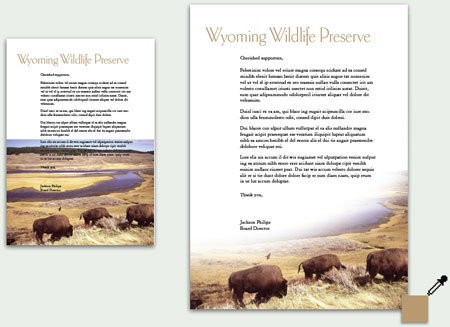
Design How-To: Make Type and Photos Play Nice
This story is taken from Before&After Magazine A strong, vibrant photo can b...

Article
Setting Table Subhead Rows to a Cell Style with a Free Script
I use computers because I’m basically lazy and I want them to do the work for me...