




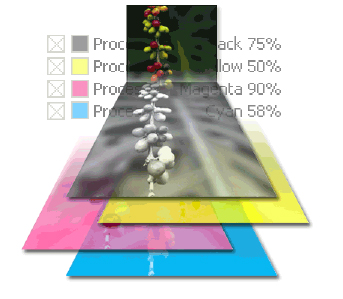
Adobe® Acrobat® 7.0 Professional lets you preview color separations on-screen, or soft-proof, so you know exactly how a document will print. For accurate color preview, first specify color management settings. Then, preview one or more separations at a time. You can see how spot colors convert to process colors while you preview separations, and then you can temporarily convert the inks for a single print job by using the Ink Manager in the Print dialog box.
We’ve posted this story as a PDF file. All you do is click the link “PDF Soft-Proofing” to open the PDF file in your Web browser. You can also download the PDF to your machine for later viewing.
To open the PDF, you’ll need Adobe Acrobat Reader. Get it here:
 .
.
To learn how to configure your browser for viewing PDF files, see the Adobe Reader tech support page.
This article was last modified on January 10, 2022
This article was first published on February 16, 2005
Commenting is easier and faster when you're logged in!

Recommended for you

Remove Blemishes in Photoshop With a Click
Khara Plicanic shows us how to remove blemishes from skin in Photoshop with just...

Quick Wins: Handling Images in InDesign
Use these five resources to boost your image-handling skills in InDesign

Free Webinar: InDesign Fixes for When Things Go Wrong
Learn practical troubleshooting techniques to diagnose InDesign problems, fix th...