




If you were to ask me how to use an object style to rotate objects in InDesign, I’d tell you it can’t be done.
At least, that’s what I would’ve said before I received a script from Ravi Kiran that circumvents this odd limitation. I say “odd” because you can control the size and position of objects with an object style. Rotation controls would fit very nicely into that area of the dialog box, but they’re absent.
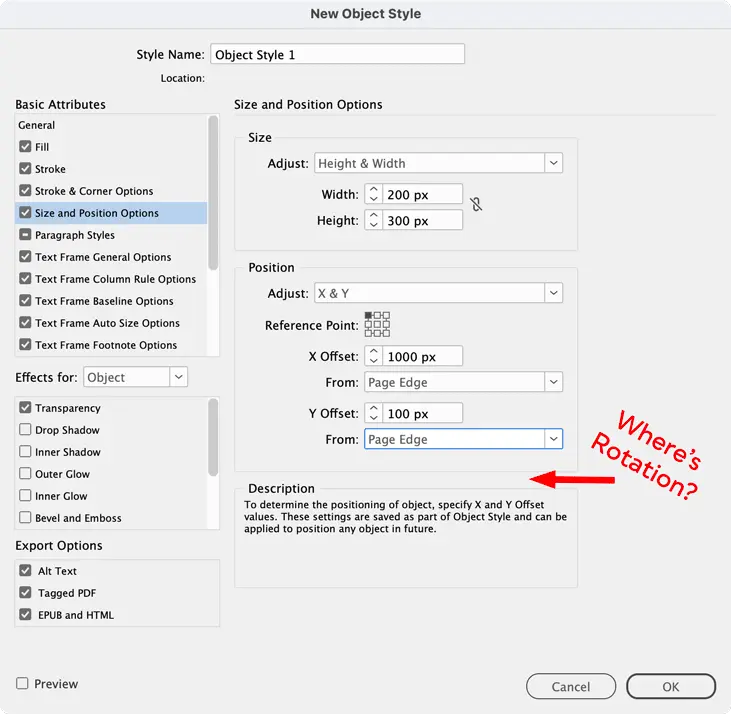
Was there some kind of engineering reason for the omission? Or did the folks at Adobe just not think that rotation was important enough to make the effort? I don’t know.
But I do know that Ravi’s script is a powerful and flexible tool that fills the gap. It’s a startup script that adds a new item to the Object Styles panel menu for Rotation Options.
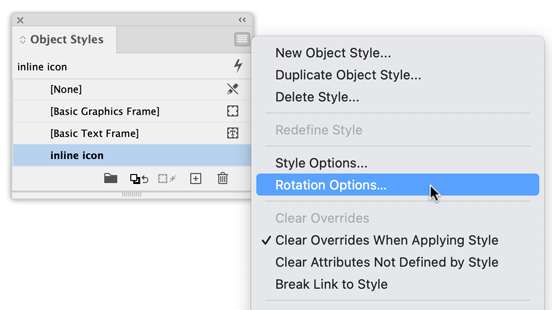
Choosing that option opens up a dialog box where you can add rotation angles for both the frame and the content, save those values to any object style in your document, and apply the rotation either to a selection or the entire document.
Use the Download button above to get the script and instructions. Thanks for the script, Ravi! And thanks for the reminder that any time there’s a missing feature in InDesign, we should look for a script that does the job.
This article was last modified on September 7, 2026
This article was first published on September 7, 2026
Commenting is easier and faster when you're logged in!

Recommended for you
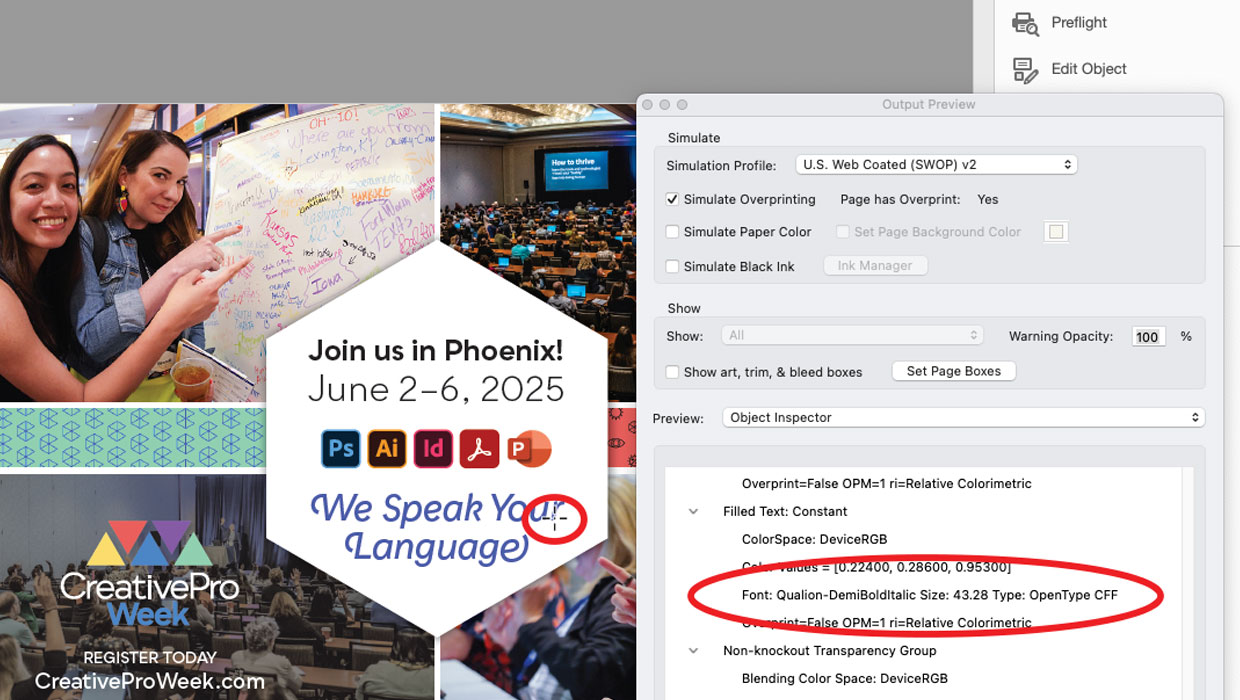
How to Identify Fonts Used in a PDF
Two tips for quickly identifying a specific font used in a PDF—or all of them.
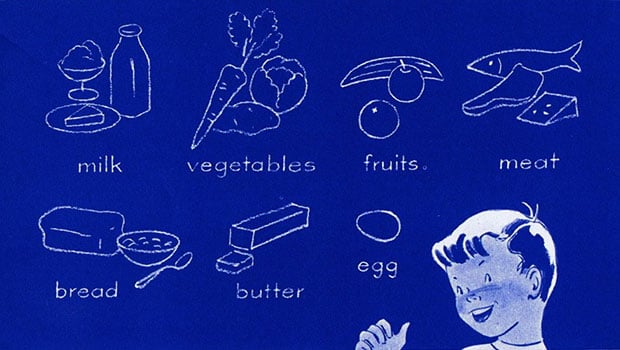
Scanning Around With Gene: Wholesome Living, With Cheese
I have what you might call “food phobias.” Fortunately none of my va...

The affects and effects of effective Effects
In the world of page layout features there are the bread-and-butter features suc...