



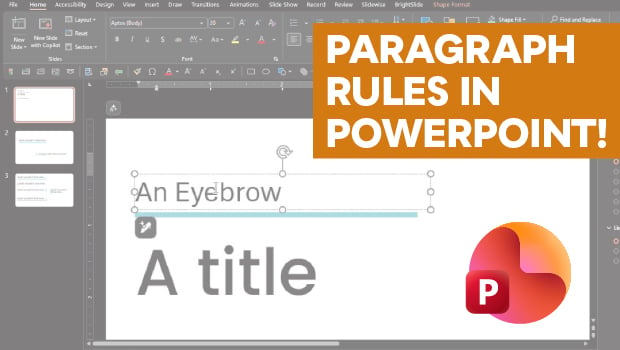
In this PowerPoint how-to video, Stephy Hogan demonstrates a way to create paragraph rules that move and expand with your text. She starts by setting the text box properties and then changes the text box into a particular call out shape. Finally, Stephy shows how to transform the shape into underlines or sidebars.
Subscribe to the CreativePro YouTube channel for more helpful design tips!
This article was last modified on May 15, 2026
This article was first published on May 15, 2026
Commenting is easier and faster when you're logged in!

Recommended for you

Put Bullets Before and After a Heading in InDesign
How to use paragraph rules in InDesign to create bullets before and after a head...

Setting Reversed Out Headline Text (White on a Black Bar)
Reversing a line of text out of a black or colored bar is not hard, though it ca...
How to Create a Checkerboard Paragraph Rule
In a recent InDesign Secrets article, Keith Gilbert explored How to Add a Rule A...