



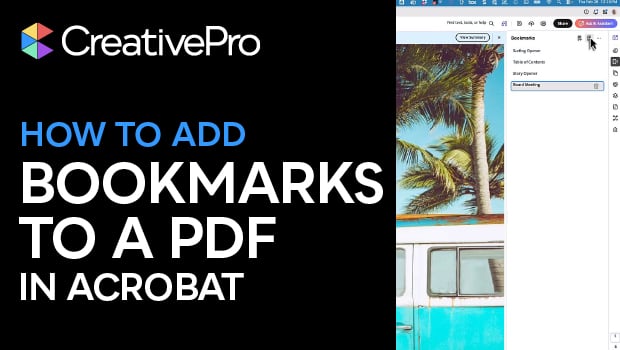
In this Acrobat how-to video, Chad Chelius demonstrates how to add bookmarks to a PDF to make it easier to navigate. He explains how to manually capture specific views and organize them into a hierarchy by nesting bookmarks. Finally, Chad reveals a pro tip for automating the process by generating a full set of bookmarks instantly from the document’s existing heading tags.
Subscribe to the CreativePro YouTube channel for more helpful design tips!
This article was last modified on April 1, 2026
This article was first published on April 1, 2026
Commenting is easier and faster when you're logged in!

Recommended for you

The Source of the Mysterious _GoBack Bookmark and How to Get Rid of It
Ever get a strange bookmark in the InDesign Bookmarks panel called _GoBack? Lear...
InDesign Magazine Issue 97: Find/Change
We’re happy to announce that InDesign Magazine Issue 97 (May 2017) is now availa...

Text Anchors
It's not possible in InDesign to get an overview of what a document's text ancho...